
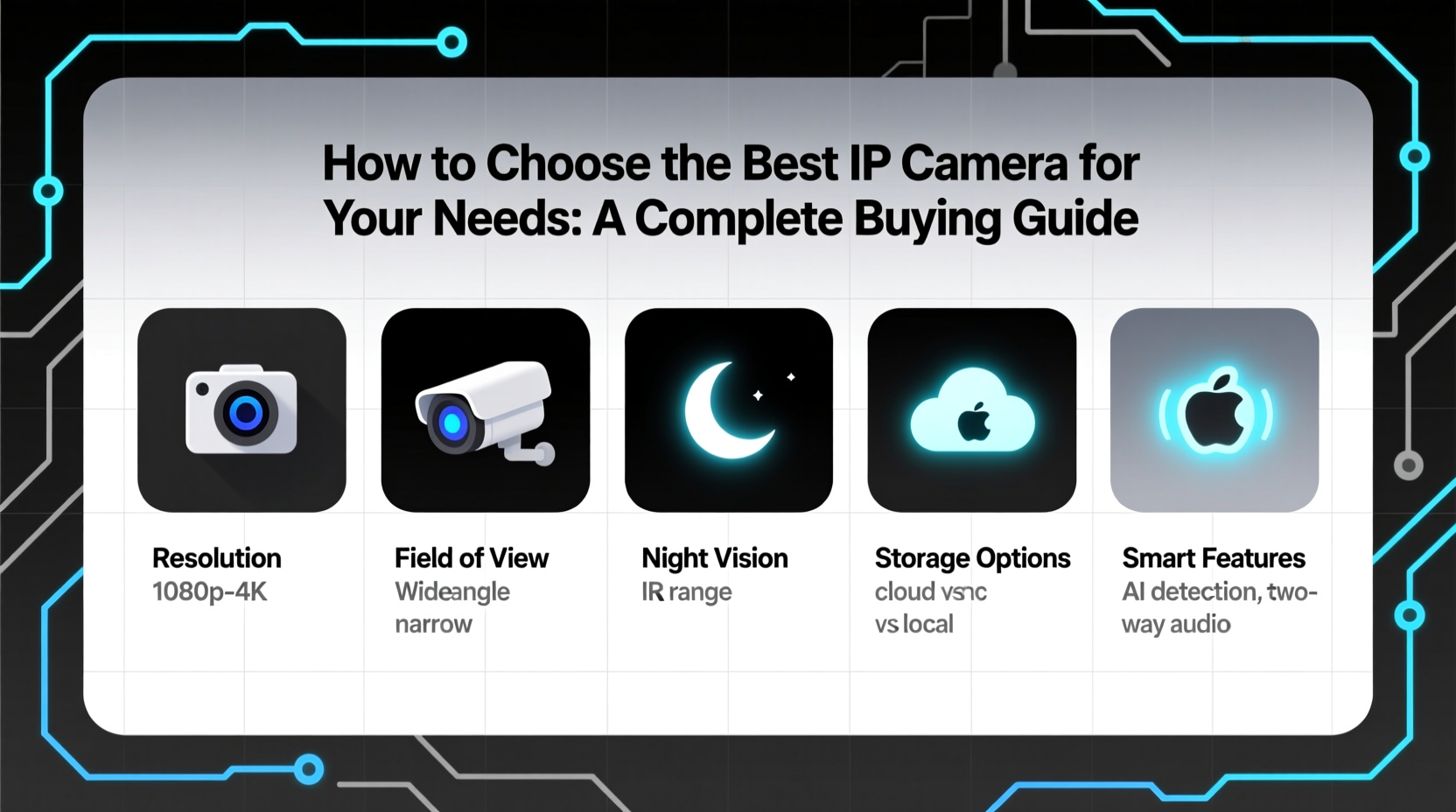
When choosing the best IP camera for your security needs, prioritize resolution of at least 1080p, reliable night vision, local or cloud storage options, strong encryption, and compatibility with smart home systems like Alexa or Google Home 1. For outdoor use, ensure the model has a weatherproof rating of IP65 or higher 2. Wireless IP cameras offer easier installation, while wired models provide more stable connections—ideal for continuous monitoring. Consider whether you need two-way audio, AI-powered motion detection, or local data storage to avoid monthly fees. This comprehensive guide on how to choose an IP camera breaks down every critical factor so you can make an informed decision based on your environment, budget, and privacy requirements.
About IP Cameras
An Internet Protocol (IP) camera is a digital video camera that transmits and receives data over a network or the internet, allowing users to monitor locations remotely via smartphones, tablets, or computers 3. Unlike traditional analog CCTV systems, IP cameras process video digitally at the source and send it over IP networks using Ethernet cables or Wi-Fi.
These cameras are widely used in both residential and commercial settings. Common applications include home security monitoring, baby or pet watching, small business surveillance, warehouse oversight, and remote property management. Because they support high-resolution imaging, advanced analytics, and integration with mobile apps, IP cameras have become essential tools for real-time visual monitoring and automated alerts.
Why IP Cameras Are Gaining Popularity
IP cameras are increasingly preferred over older analog systems due to their superior image quality, scalability, and smart capabilities. According to industry reports, the global network camera market is projected to grow significantly, driven by rising demand for remote monitoring and intelligent video analytics 4.
One major reason for their popularity is accessibility—users can view live feeds from anywhere with an internet connection. Additionally, many modern IP cameras come equipped with artificial intelligence features such as person detection, facial recognition, and vehicle identification, reducing false alarms caused by pets or moving foliage 5.
Another driver is ease of integration. Most IP cameras work seamlessly with existing home automation platforms like Apple HomeKit, Amazon Alexa, and Google Assistant, enabling voice commands and联动 responses (e.g., turning on lights when motion is detected). As cybersecurity improves and prices decrease, even casual consumers find these devices accessible and valuable.
Types and Variants of IP Cameras
Different environments and use cases call for different types of IP cameras. Understanding the distinctions helps narrow down choices effectively.
Indoor vs. Outdoor IP Cameras
- Indoor: Designed for climate-controlled spaces; typically smaller and less rugged. Often include two-way audio and wide-angle lenses for room coverage 6.
- Outdoor: Built to withstand rain, dust, extreme temperatures. Must have at least IP65 weather resistance rating; often feature infrared or color night vision and mounting brackets 7.
Wired vs. Wireless IP Cameras
- Wired: Connected via Ethernet (PoE – Power over Ethernet). Offer stable, uninterrupted video streaming and power supply. Ideal for permanent installations where access to wiring is feasible 8.
- Wireless: Connect via Wi-Fi. Easier to install without drilling or running cables. However, performance depends on signal strength and router placement, which may lead to lag or disconnections 9.
Dome, Bullet, and PTZ Cameras
- Dome: Low-profile, vandal-resistant design; commonly used indoors or under eaves. Wide viewing angle but fixed position.
- Bullet: Cylindrical shape; longer-range visibility and better night vision. More visible deterrent but susceptible to tampering if not mounted securely.
- PTZ (Pan-Tilt-Zoom): Can be remotely controlled to swivel horizontally (pan), vertically (tilt), and zoom in on subjects. Used in large areas like parking lots or warehouses but generally cost more 10.
Key Features and Specifications to Evaluate
To determine what to look for in an IP camera, assess the following technical and functional attributes:
- Resolution: Minimum 1080p (Full HD); 2K or 4K models offer sharper detail but require more bandwidth and storage 11.
- Field of View (FoV): Wider angles (e.g., 130°+) cover more area but may distort edges. Narrow FoV provides focused long-distance views.
- Night Vision: Look for infrared (IR) range of at least 30 feet. Some models now offer color night vision using auxiliary lighting 12.
- Storage Options: Local microSD card (no subscription), NVR (Network Video Recorder), or cloud storage (convenient but often requires recurring fees).
- Motion Detection & Alerts: Advanced models use AI to distinguish people, animals, and vehicles, minimizing false notifications.
- Two-Way Audio: Allows communication through built-in microphone and speaker—useful for greeting visitors or deterring intruders.
- Encryption & Security: Ensure end-to-end encryption (E2EE) and regular firmware updates to protect against hacking 13.
- Smart Home Integration: Compatibility with Alexa, Google Assistant, Apple HomeKit, or IFTTT enables automation workflows.
Pros and Cons of IP Cameras
Advantages:
- High-definition video with zoom capability
- Remote access from any location via app
- Scalable system—can add multiple cameras easily
- Advanced features like facial recognition and geofencing
- Flexible storage: local, network, or cloud
Disadvantages:
- Higher initial cost than analog systems
- Potential privacy risks if poorly secured
- Dependence on internet speed and stability
- Some models require subscriptions for full functionality
- Installation complexity increases with PoE or multi-camera setups
IP cameras are ideal for those needing reliable, scalable, and intelligent surveillance. They’re less suitable for users with limited internet access or who prefer completely offline systems without software dependencies.
How to Choose an IP Camera: Step-by-Step Guide
Follow this structured approach to select the right IP camera:
- Define Your Use Case: Is it for indoor monitoring, outdoor perimeter security, or baby watching? This determines environmental durability and feature needs.
- Determine Placement: Choose between ceiling, wall, or shelf mounting. Outdoor locations require weatherproofing and possibly conduit protection for wires.
- Evaluate Network Infrastructure: Check Wi-Fi signal strength at intended camera locations. For weak signals, consider wired PoE or mesh extenders.
- Select Resolution and Field of View: For facial identification, aim for at least 1080p and a clear line of sight. Wider FoV covers more ground but may sacrifice detail.
- Decide on Storage Preference: If avoiding monthly costs, prioritize models with microSD or NVR support.
- Review Privacy and Security Measures: Confirm TLS/SSL encryption, two-factor authentication (2FA), and availability of firmware updates.
- Check Smart Integrations: Verify compatibility with your existing ecosystem (e.g., HomeKit, Alexa).
- Avoid Red Flags: Steer clear of brands with poor customer support, lack of security certifications, or mandatory cloud lock-in without local options.
Price & Market Insights
IP cameras vary widely in price depending on features and brand reputation:
- Budget ($30–$60): Basic indoor models with 1080p, Wi-Fi, and cloud-only storage. May lack advanced AI or local recording 14.
- Mid-Range ($60–$120): Includes outdoor-rated units, color night vision, local storage, and improved motion detection. Best value for most homeowners.
- Premium ($120+): Professional-grade build, 4K resolution, PTZ control, on-device AI processing, and enterprise-level encryption.
While higher price doesn’t always mean better performance, investing in mid-tier brands often ensures balanced features, reliability, and ongoing software support. Be cautious of no-name brands offering ultra-low prices—they may compromise on security or longevity.
Top-Seller & Competitive Analysis
Leading brands such as Arlo, Ring, Nest, Reolink, and Eufy dominate the market, each with distinct strengths:
| Model | Resolution | Power Type | Storage | Smart Integrations |
|---|---|---|---|---|
| Arlo Pro 4 | 2K HDR | Battery/Wi-Fi | Cloud or USB via base station | Alexa, Google Assistant, Apple HomeKit |
| Ring Stick Up Cam Plus | 1080p | Battery or Plug-in | Ring Protect subscription required | Alexa |
| Google Nest Cam (battery) | 1080p | Battery | Nest Aware subscription only | Google Assistant, Alexa |
| Reolink Argus 3 | 2K | Battery/Wi-Fi | MicroSD card or NVR | No hub needed; Reolink app |
| Eufy SoloCam S40 | 2K | Solar-powered | Local microSD + optional cloud | Apple HomeKit, Alexa, Google |
Note: Always verify current specifications directly with the manufacturer, as product details may change over time.
Customer Feedback Synthesis
Based on aggregated user reviews across retail and tech forums, common praises include:
- Crystal-clear day and night video quality
- Reliable push notifications with accurate person detection
- Easy setup process, especially for wireless models
- Strong integration with voice assistants
Frequent complaints involve:
- Unexpected subscription requirements for core features
- Inconsistent Wi-Fi connectivity leading to dropped feeds
- Short battery life in wire-free models during cold weather
- Limited local storage options forcing reliance on cloud services
- Delayed customer service response from certain brands
Sourcing & Supplier Tips
For individual buyers, purchase from authorized retailers like Amazon, Best Buy, or direct from brand websites to ensure warranty validity and genuine products. When sourcing in bulk—for example, for small businesses or rental properties—contact distributors or resellers for volume discounts.
If considering private-label or OEM suppliers (e.g., from Alibaba), request firmware samples, conduct third-party security audits, and test devices thoroughly before deployment. Prioritize vendors who provide SDKs for custom integrations and commit to regular security patches.
Maintenance, Safety & Legal Considerations
Regular maintenance includes cleaning lenses, checking mounts for looseness, updating firmware, and verifying storage health. For battery-operated units, inspect charge levels seasonally.
From a safety standpoint, place cameras out of easy reach and shield wiring to prevent tampering. Avoid pointing cameras into neighbors’ private spaces to comply with privacy laws in many jurisdictions.
Legally, inform individuals when being recorded in workplaces or shared buildings. In some regions (e.g., EU under GDPR), audio recording without consent is prohibited 15. Always check local regulations before installing surveillance equipment.
Conclusion
Choosing the right IP camera involves balancing resolution, connectivity, storage, security, and smart features against your specific needs and budget. Whether you're securing a front porch, monitoring a retail space, or keeping an eye on a loved one, understanding what to look for in an IP camera ensures you invest wisely. Focus on reputable brands, prioritize local storage if avoiding subscriptions, and confirm robust encryption to protect your footage. By following this guide on how to choose an IP camera, you’ll be equipped to make a confident, informed decision that enhances safety without compromising privacy or usability.
FAQs
What is the difference between an IP camera and a Wi-Fi camera?
All Wi-Fi cameras are IP cameras, but not all IP cameras use Wi-Fi—some connect via Ethernet (PoE). Wi-Fi refers to wireless connectivity, whereas "IP camera" describes any camera transmitting data over a network.
Do IP cameras work without internet?
Yes, many IP cameras can record locally to microSD cards or NVRs without internet. However, remote viewing and alert functions require an internet connection.
Can IP cameras be hacked?
Yes, especially if default passwords aren’t changed or firmware isn’t updated. Choose models with strong encryption and enable two-factor authentication to reduce risk.
How much bandwidth do IP cameras use?
A 1080p camera typically uses 1–2 Mbps per stream. Higher resolutions or multiple cameras increase bandwidth needs—ensure your router can handle the load.
Are there IP cameras with no monthly fee?
Yes, several brands—including Reolink, Eufy, and Wyze—offer models with free local or on-device storage, eliminating mandatory subscriptions.




 浙公网安备
33010002000092号
浙公网安备
33010002000092号 浙B2-20120091-4