
When searching for a reliable device to handle high-definition signal processing, knowing how to choose a strong decoder is essential. The best strong decoder for your needs will offer stable performance, low latency, broad format compatibility (like H.265, 4K), and solid build quality. If you're setting up a surveillance system, streaming platform, or industrial monitoring solution, prioritize models with real-time decoding, scalable input support (e.g., multi-channel HDMI or IP streams), and firmware update capabilities 1. Avoid cheap units lacking technical documentation or security patches. For most professional applications, investing in a well-reviewed, standards-compliant strong decoder pays off in reliability and integration ease.
About Strong Decoder
A strong decoder refers to a high-performance digital video decoding device designed to convert compressed video signals—such as those from H.264, H.265 (HEVC), or VP9 formats—into viewable output on displays or integrated systems. These decoders are commonly used in environments requiring consistent, high-fidelity video playback from networked or direct-input sources. Unlike basic consumer-grade media players, a strong decoder emphasizes processing power, error resilience, and low-latency delivery, making it ideal for mission-critical setups.
Typical use cases include security and surveillance control rooms where multiple camera feeds must be decoded simultaneously; live broadcasting stations that require frame-accurate output; industrial automation interfaces displaying real-time sensor data overlays; and large-scale digital signage networks across retail or transportation hubs. In these scenarios, the term “strong” implies not just raw speed but also stability under continuous operation, resistance to signal degradation, and compatibility with enterprise-level management software.
Why Strong Decoder Is Gaining Popularity
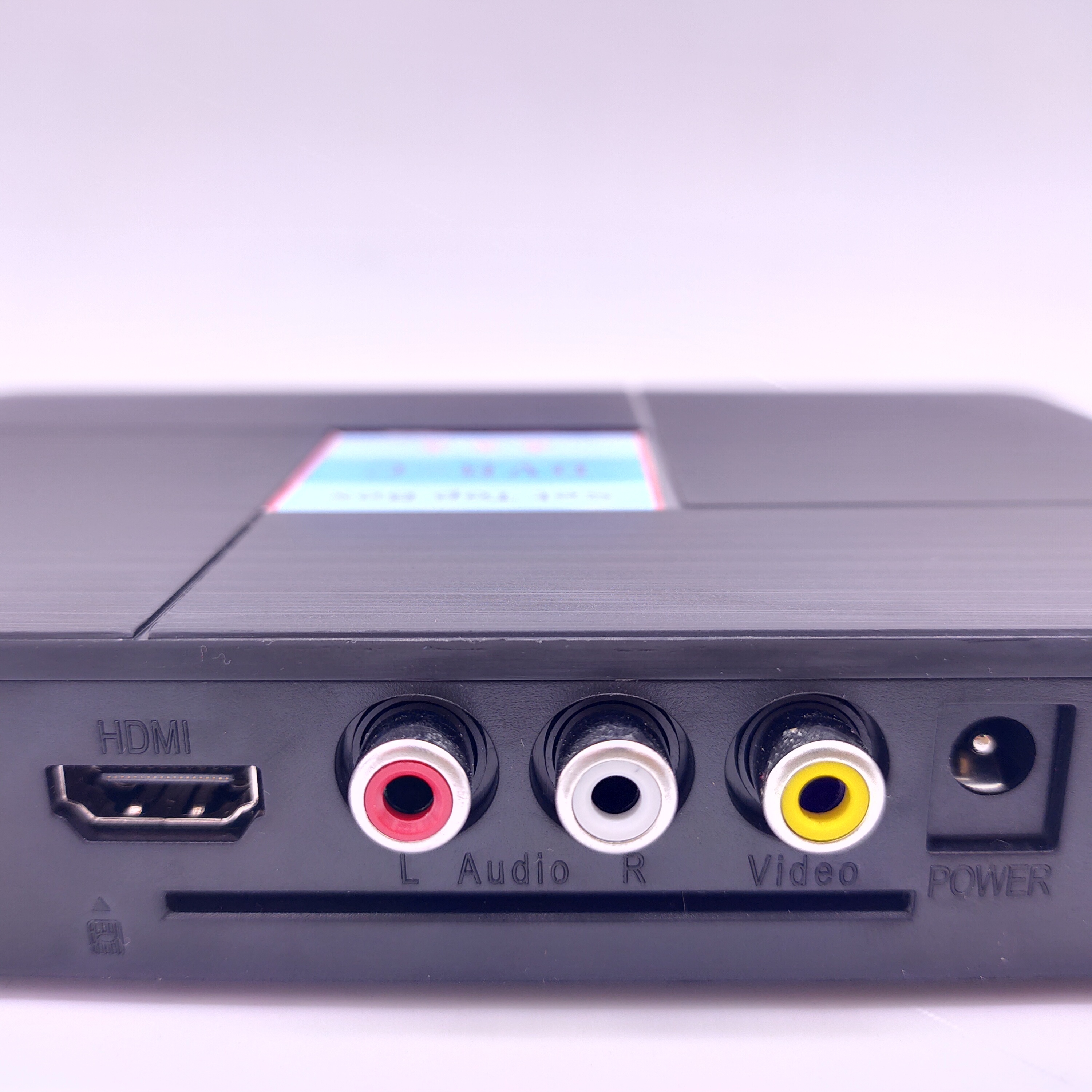
The demand for strong decoders has surged due to several technological and operational shifts. First, the widespread adoption of 4K and even 8K resolution video streams means older decoding hardware can no longer keep up without lag or dropped frames. Modern codecs like H.265 reduce bandwidth needs but require more computational power to decode efficiently—favoring devices specifically engineered for this task 2.
Second, remote monitoring and cloud-based video distribution have become standard in sectors like logistics, healthcare, and smart city infrastructure. This shift increases reliance on robust decoding at edge locations or central command centers. Third, cybersecurity concerns have pushed organizations toward certified hardware with verified firmware signing and secure boot features—common in today’s premium strong decoder models.
Additionally, users now expect seamless integration with existing IT ecosystems, including ONVIF compliance, RTSP/RTMP streaming support, and API access for custom control. As a result, buyers are moving away from generic media boxes toward purpose-built strong decoders that meet both performance and interoperability demands.
Types and Variants
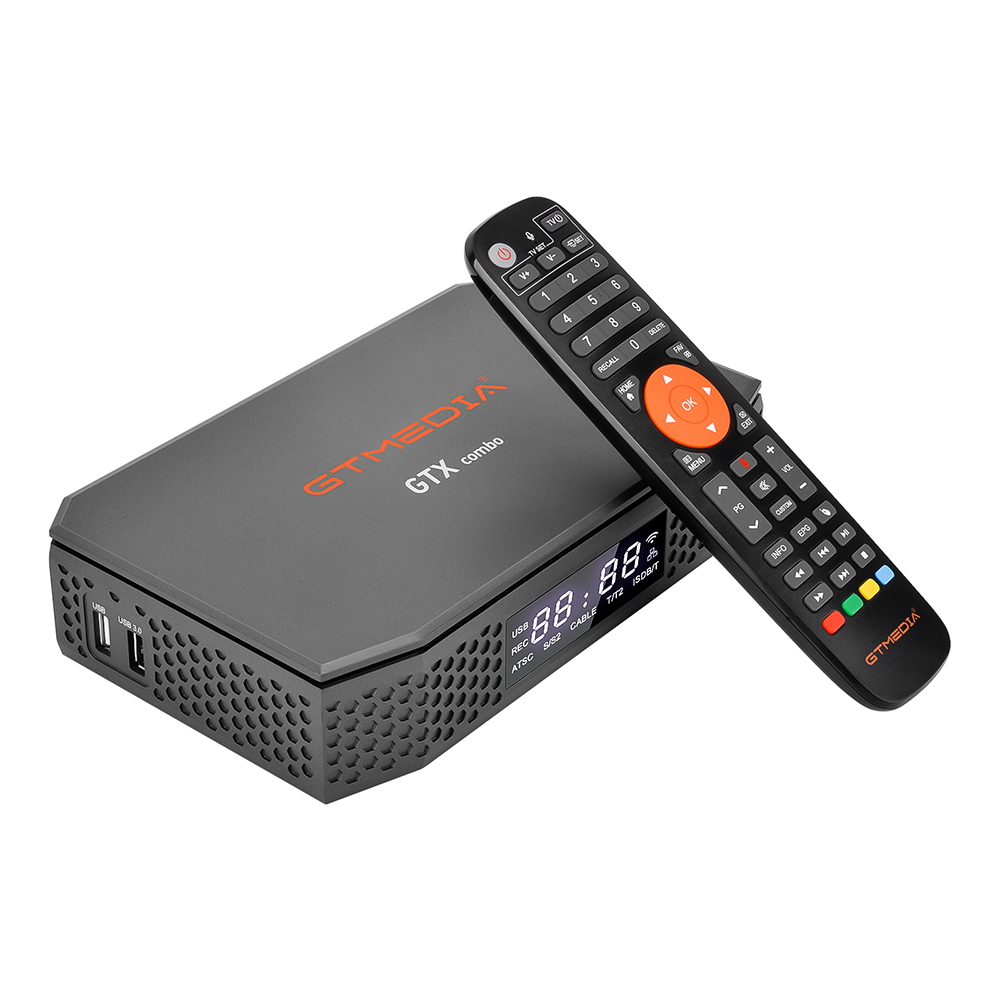
Strong decoders come in various forms, each suited to different deployment needs. Understanding their differences helps match functionality with application requirements.
1. Standalone Hardware Decoders
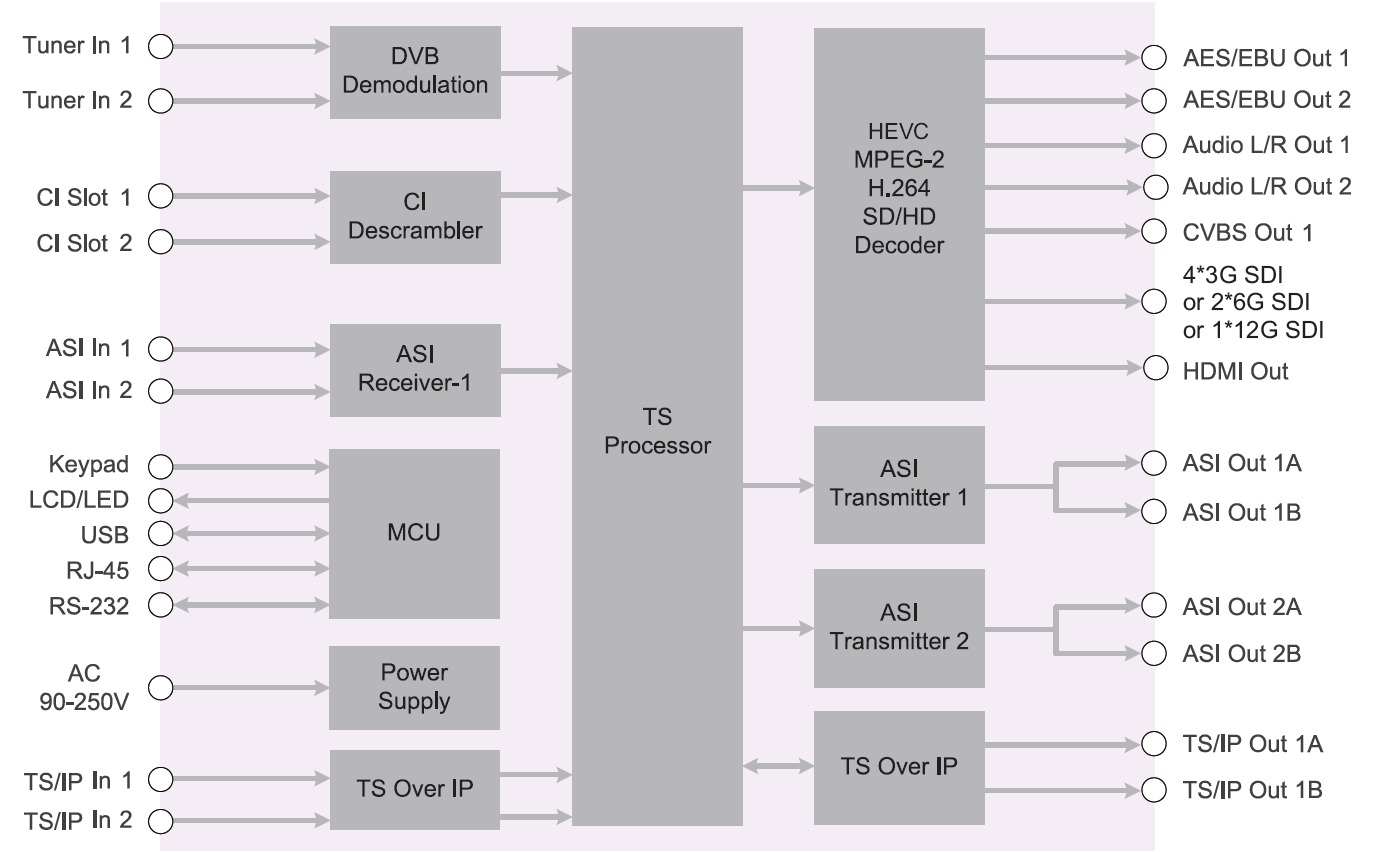
These are dedicated appliances with embedded processors optimized for video decoding. They often feature multiple HDMI or SDI outputs and support numerous simultaneous input streams.
- Pros: High reliability, fanless designs available, long lifespan, minimal OS overhead.
- Cons: Limited flexibility, harder to upgrade, typically higher upfront cost.
2. PC-Based Decoder Cards
Installed inside a computer (PCIe slot), these cards leverage host CPU and RAM while handling heavy decoding tasks via GPU or ASIC chips on the card.
- Pros: Scalable, supports complex workflows (e.g., AI analytics alongside decoding), integrates with software platforms.
- Cons: Requires compatible PC, generates heat, needs driver maintenance.
3. Software-Based Decoders
Run on general-purpose computers using applications like VLC, FFmpeg, or proprietary NVR software. While not physical devices, they function as decoders when paired with sufficient hardware.
- Pros: Cost-effective, highly customizable, supports wide range of formats.
- Cons: Performance depends on host system; less predictable under load; potential security risks if OS is unsecured.
4. Network Video Wall Controllers
Advanced systems that act as both decoder and display manager, capable of arranging dozens of video feeds across multi-screen walls.
- Pros: Centralized control, advanced layout options, supports wall calibration and bezel correction.
- Cons: Expensive, complex setup, usually overkill for small installations.
Key Features and Specifications to Evaluate
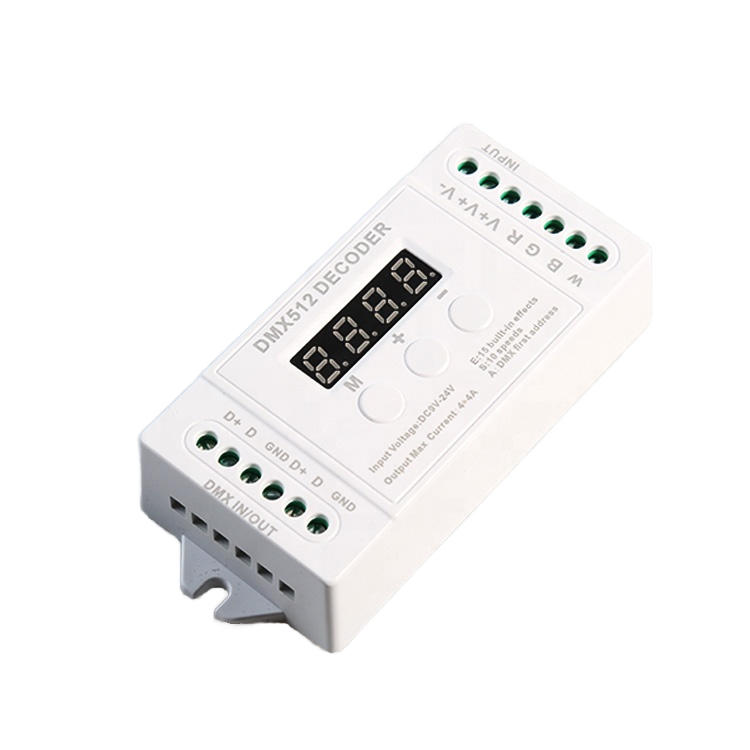
To determine what to look for in a strong decoder, assess the following criteria:
- Decoding Format Support: Ensure compatibility with current standards—H.264, H.265 (HEVC), and ideally AV1 or VP9 for future-proofing. Check maximum resolution per stream (e.g., 4K@30fps).
- Input Interface: Common options include IP streaming (RTSP, RTMP, SRT), HDMI loop-in, SDI, or coaxial BNC. Consider whether you need single or multi-source aggregation.
- Output Capabilities: Number and type of outputs (HDMI 2.0, DisplayPort, etc.), maximum output resolution, and support for extended desktop modes.
- Latency: Look for end-to-end latency below 200ms for real-time monitoring. Some premium models achieve sub-100ms.
- Processing Architecture: Dedicated ASICs offer better efficiency than general GPUs. Hybrid models combining FPGA and DSP elements provide excellent balance.
- Firmware & Security: Regular updates, secure boot, TLS encryption for network streams, and password protection are critical for enterprise use.
- Management Interface: Web UI, SNMP support, REST APIs, or integration with VMS platforms (e.g., Milestone, Genetec) improve scalability.
Pros and Cons
Advantages of Using a Strong Decoder:
- Handles high-bandwidth video smoothly without frame drops.
- Supports long-term, uninterrupted operation (7x24).
- Integrates reliably with professional surveillance and broadcast systems.
- Offers better security than consumer devices.
Disadvantages and Limitations:
- Higher initial cost compared to basic media players.
- May require technical expertise to configure and maintain.
- Overkill for simple home viewing or single-camera setups.
- Limited availability of third-party accessories or community support.
How to Choose a Strong Decoder
Follow this step-by-step guide to make an informed decision:
- Define Your Use Case: Are you managing a security center, running digital signage, or building a broadcast studio? Each scenario may favor a different decoder type.
- List Required Inputs: Count how many video sources you need to decode simultaneously. Determine if they’re IP-based, HDMI, or SDI.
- Determine Output Needs: How many screens will display content? What resolution and refresh rate?
- Check Compatibility: Verify that the decoder supports your camera brands, NVRs, or streaming servers (e.g., via ONVIF Profile S or RTSP).
- Evaluate Latency Requirements: For live operations, test reported latency claims with actual benchmarks if possible.
- Review Firmware Update Policy: Prefer manufacturers who publish regular updates and disclose vulnerability response timelines.
- Assess Physical Environment: Consider rack-mountability, cooling needs, and dust/water resistance (IP rating) for industrial settings.
- Avoid Red Flags: Steer clear of products without datasheets, unclear warranty terms, or no customer service contact information.
Price & Market Insights
Pricing for strong decoders varies significantly based on capability and brand. Entry-level standalone units start around $150–$300 and typically support 1–4 channels of 1080p decoding. Mid-range professional models ($500–$1,200) offer 4K decoding, multi-stream handling, and enterprise management features. High-end systems, especially video wall controllers or modular chassis setups, can exceed $3,000.
Value isn't always tied to price. Some mid-tier brands deliver performance comparable to premium ones by focusing on core decoding efficiency rather than flashy interfaces. However, very low-cost devices (<$100) often cut corners on thermal design, component quality, or software support—leading to premature failure or security flaws.
Consider total cost of ownership: factor in expected lifespan (5+ years for industrial-grade), power consumption, and potential downtime costs. Refurbished or open-box units from authorized dealers can offer savings without sacrificing reliability.
| Model Type | Channels Supported | Max Resolution | Price Range | Best For |
|---|---|---|---|---|
| Basic Standalone | 1–4 | 1080p | $150–$300 | Small offices, retail stores |
| Professional IP Decoder | 8–16 | 4K HDR | $600–$1,200 | Security centers, campuses |
| Video Wall Controller | 16+ | 8K Multi-Screen | $2,000–$5,000 | Transport hubs, control rooms |
Top-Seller & Competitive Analysis
Leading brands in the strong decoder space include Axis Communications, Ubiquiti, Dahua, Hanwha Techwin, and IDIS. Axis, for example, offers ONVIF-compliant decoders known for firmware stability and integration with third-party VMS platforms. Ubiquiti’s UniFi Protect ecosystem includes compact yet powerful decoders suitable for mid-sized deployments.
When comparing top sellers, focus on real-world performance metrics rather than spec sheet numbers alone. Look for independent lab tests or user reports on sustained load handling. Pay attention to customer service responsiveness and return policies, especially when ordering internationally.
Some vendors lock their decoders into proprietary ecosystems, limiting flexibility. Others provide open SDKs and API access, enabling deeper customization. Choose based on your need for vendor independence versus turnkey simplicity.
Customer Feedback Synthesis
Analysis of buyer reviews reveals recurring themes:
Common Praises:
- "Reliable 24/7 operation with no crashes."
- "Easy integration with our existing IP camera system."
- "Sharp image quality even after scaling multiple streams."
- "Firmware updates improved performance over time."
Frequent Complaints:
- "Setup was confusing—needed technical manual not provided."
- "No security patches released for over a year."
- "Fan noise became noticeable after six months."
- "Limited customer support response in non-English regions."
These insights highlight the importance of clear documentation, ongoing software support, and build quality consistency.
Sourcing & Supplier Tips
Purchase strong decoders from authorized distributors or directly from manufacturer websites to ensure authenticity and warranty coverage. For bulk orders, request demo units before committing. When sourcing internationally, verify voltage compatibility and check local certification requirements (e.g., FCC, CE, RoHS).
If considering reseller or white-label models, ask for full technical specifications and proof of compliance testing. Avoid gray-market imports unless accompanied by verifiable service agreements. Always inspect received units for damage and perform functional testing within the return window.
Maintenance, Safety & Legal Considerations
Regular maintenance includes cleaning air vents, checking cable connections, and applying firmware updates promptly. Store backup configurations off-device. Use surge protectors and uninterruptible power supplies (UPS) in areas prone to electrical fluctuations.
Safety-wise, ensure proper ventilation to prevent overheating. Follow local fire codes when installing in enclosed racks. From a legal standpoint, confirm that your decoder usage complies with privacy laws—especially when displaying footage in public or recording conversations.
In regulated industries (healthcare, finance), ensure any stored metadata or logs adhere to data retention and encryption standards such as HIPAA or GDPR.
Conclusion
Choosing the right strong decoder requires balancing performance, compatibility, and long-term support. Whether you're upgrading a surveillance hub or deploying a new video wall, focus on verified specs, real-world reliability, and vendor transparency. Prioritize models with strong codec support, low latency, and proven security practices. By following this guide on how to choose a strong decoder, you’ll avoid common pitfalls and invest in a solution that delivers consistent results over time.
FAQs
What is the difference between a strong decoder and a regular media player?
A strong decoder is built for continuous, high-load video processing with superior error correction, lower latency, and enterprise-grade connectivity, unlike consumer media players designed for occasional use.
Can I use a strong decoder with my existing IP cameras?
Yes, if your cameras support standard protocols like RTSP or ONVIF Profile S. Always verify compatibility with the decoder’s supported list before purchasing.
Do strong decoders work offline?
Most can operate without internet access once configured, though network connectivity is required for remote management and firmware updates.
How often should I update the firmware?
Check for updates every 3–6 months or immediately if a security patch is released. Always back up settings before updating.
Are there open-source alternatives to commercial strong decoders?
Yes, software solutions like FFmpeg or VLC can decode multiple streams on capable hardware, but lack the durability and support of dedicated commercial decoders for 24/7 use.





 浙公网安备
33010002000092号
浙公网安备
33010002000092号 浙B2-20120091-4