
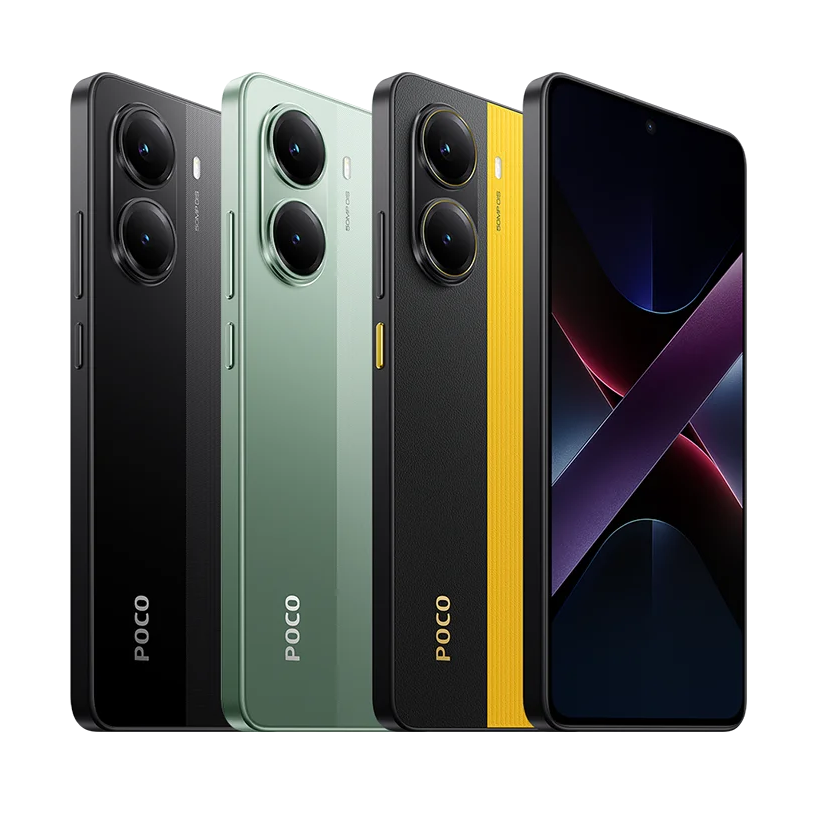
When choosing a hypercharge solution, prioritize models with at least 100W USB-C Power Delivery, multi-device compatibility, and built-in surge protection to ensure fast, safe charging across laptops, phones, and tablets 1. Look for compact designs if traveling frequently, and always verify certification standards like UL or CE to avoid counterfeit units. For most users seeking reliable high-speed charging, a GaN-based hypercharge adapter offers the best balance of efficiency, size, and performance. This guide breaks down everything you need to know about how to choose hypercharge devices wisely based on real-world use cases and technical benchmarks.
About Hypercharge
The term "hypercharge" has evolved beyond marketing slang into a functional category of high-speed power delivery systems capable of rapidly charging modern electronic devices. Technically, a hypercharge-capable device supports advanced power delivery protocols—most commonly USB Power Delivery (PD) 3.0 or PD 3.1—that enable outputs exceeding 60W, often reaching up to 240W with the latest Extended Power Range (EPR) standards 2. These systems are designed to deliver enough wattage to charge laptops, gaming consoles, monitors, and even some small appliances efficiently.
Typical use cases include mobile professionals needing to power a MacBook Pro and smartphone simultaneously from a single charger, travelers minimizing luggage by consolidating chargers, and content creators powering multiple studio devices without daisy-chaining outlets. Unlike standard wall adapters limited to 18–30W, hypercharge units leverage technologies like Gallium Nitride (GaN) semiconductors to increase energy density while reducing heat and size.
Why Hypercharge Is Gaining Popularity
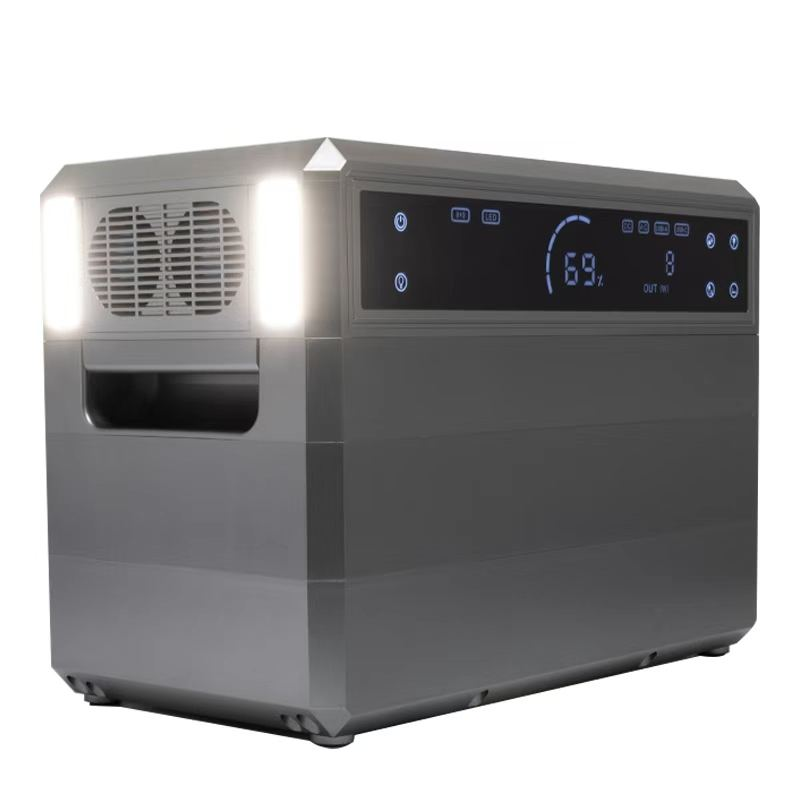
Consumer demand for faster charging and reduced cable clutter drives the rise of hypercharge adoption. As devices become more power-hungry—especially ultrabooks and 2-in-1s requiring sustained 60W+ input—older charging methods feel outdated. The shift toward universal USB-C ports across Apple, Dell, Samsung, and Microsoft products creates an ecosystem where one hypercharge adapter can replace several brand-specific bricks.
Additionally, advancements in GaN technology have made high-wattage adapters smaller and cooler-running than traditional silicon-based models. Users now expect not only speed but also portability and multi-device support. Environmental awareness also plays a role; fewer proprietary chargers mean less e-waste over time. According to market research, GaN charger shipments grew by over 40% year-over-year between 2022 and 2023, indicating strong consumer confidence in next-gen charging solutions 3.
Types and Variants
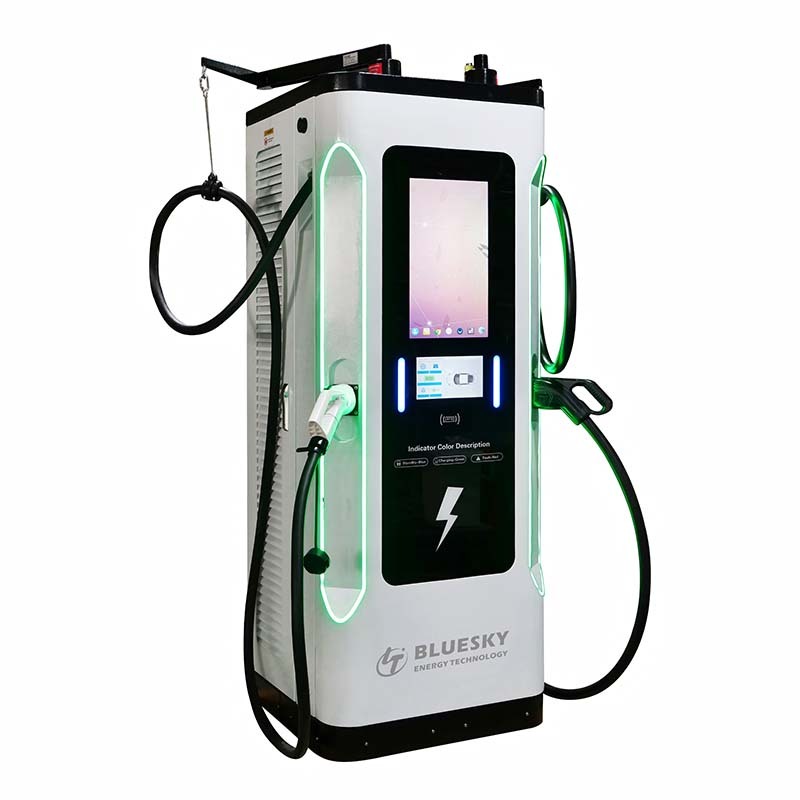
Hypercharge devices come in several configurations, each suited to different usage patterns:
Single-Port High-Wattage Adapters (100W–240W)
- Pros: Maximum power output per port; ideal for laptops or fast-charging large batteries.
- Cons: Limited to one device; may be overkill for phone-only users.
Dual/Multi-Port GaN Chargers (65W–140W total)
- Pros: Charge laptop and phone simultaneously; intelligent load balancing adjusts wattage dynamically.
- Cons: Total output shared across ports; peak speed only available when one device is connected.
Portable Power Banks with Hypercharge Output
- Pros: On-the-go charging with pass-through capability; useful during travel or blackouts.
- Cons: Heavy and expensive; lower cycle life compared to wall adapters.
Desktop Charging Stations with Multiple Ports
- Pros: Organized setup for home offices; often includes USB-A, USB-C, and wireless pads.
- Cons: Not portable; higher cost due to added features.
Each variant serves distinct needs. For example, frequent flyers benefit most from compact dual-port GaN models, while remote workers might prefer desktop stations with integrated cable management.
Key Features and Specifications to Evaluate
To determine what to look for in a hypercharge device, consider these technical and practical criteria:
- Maximum Output (Wattage): Ensure it matches your highest-draw device. Most MacBooks require 96W for full-speed charging; check manufacturer specs before assuming compatibility.
- USB-C PD Version: PD 3.1 with EPR supports up to 240W and adaptive voltage, crucial for future-proofing.
- Number of Ports: More ports offer flexibility, but verify whether total wattage is shared or per-port.
- Size and Weight: Measured in cubic inches or cm³; aim for under 3 in³ per 60W for optimal portability.
- Cooling Mechanism: Passive cooling (no fan) is quieter and more durable; overheating reduces lifespan.
- Safety Protections: Must include over-voltage, over-current, short-circuit, and temperature control.
- Certifications: Look for UL, CE, FCC, or TÜV marks—avoid uncertified third-party brands that may skip safety testing.
- Cable Compatibility: Some hypercharge adapters require E-Marked cables for full 100W+ transfer; standard cables may limit speed.
Always cross-check advertised specs against independent reviews or lab tests, as some manufacturers inflate peak output numbers under unrealistic conditions.
Pros and Cons
Advantages:
- Faster charging times—up to 50% reduction compared to standard 30W chargers.
- Reduced clutter with one adapter replacing multiple bricks.
- Energy-efficient design lowers heat waste and electricity consumption.
- Future-ready for upcoming devices supporting 140W+ USB-C charging.
Drawbacks:
- Higher upfront cost—premium GaN models range from $70–$150.
- Potential incompatibility with older devices lacking USB-C PD support.
- Risk of counterfeit units mimicking legitimate branding without proper insulation or regulation.
- Limited availability of EPR-certified accessories outside major tech hubs.
Hypercharge is best suited for users with newer USB-C devices needing rapid top-ups. It's less beneficial for those relying solely on legacy smartphones or tablets with micro-USB or low-power requirements.
How to Choose Hypercharge: Step-by-Step Buying Guide

- Assess Your Devices: List all gadgets you plan to charge and their required wattage (e.g., iPhone 15: ~27W, MacBook Air M3: 30W, MacBook Pro 16”: 140W).
- Determine Portability Needs: If traveling often, prioritize sub-100g models with foldable prongs.
- Select Technology Type: Choose GaN over traditional silicon for better thermal performance and smaller footprint.
- Verify Safety Certifications: Only purchase units with recognized safety labels—never assume online ratings guarantee authenticity.
- Check Cable Requirements: Confirm whether you need an E-Marked cable (rated for 100W+) and factor its cost into your budget.
- Read Independent Reviews: Sites like AnandTech, Wirecutter, or TechRadar often conduct real-world efficiency tests beyond manufacturer claims.
- Avoid Unrealistic Claims: Be skeptical of “200W” chargers priced under $40—such units likely misrepresent peak burst output rather than sustained delivery.
Price & Market Insights
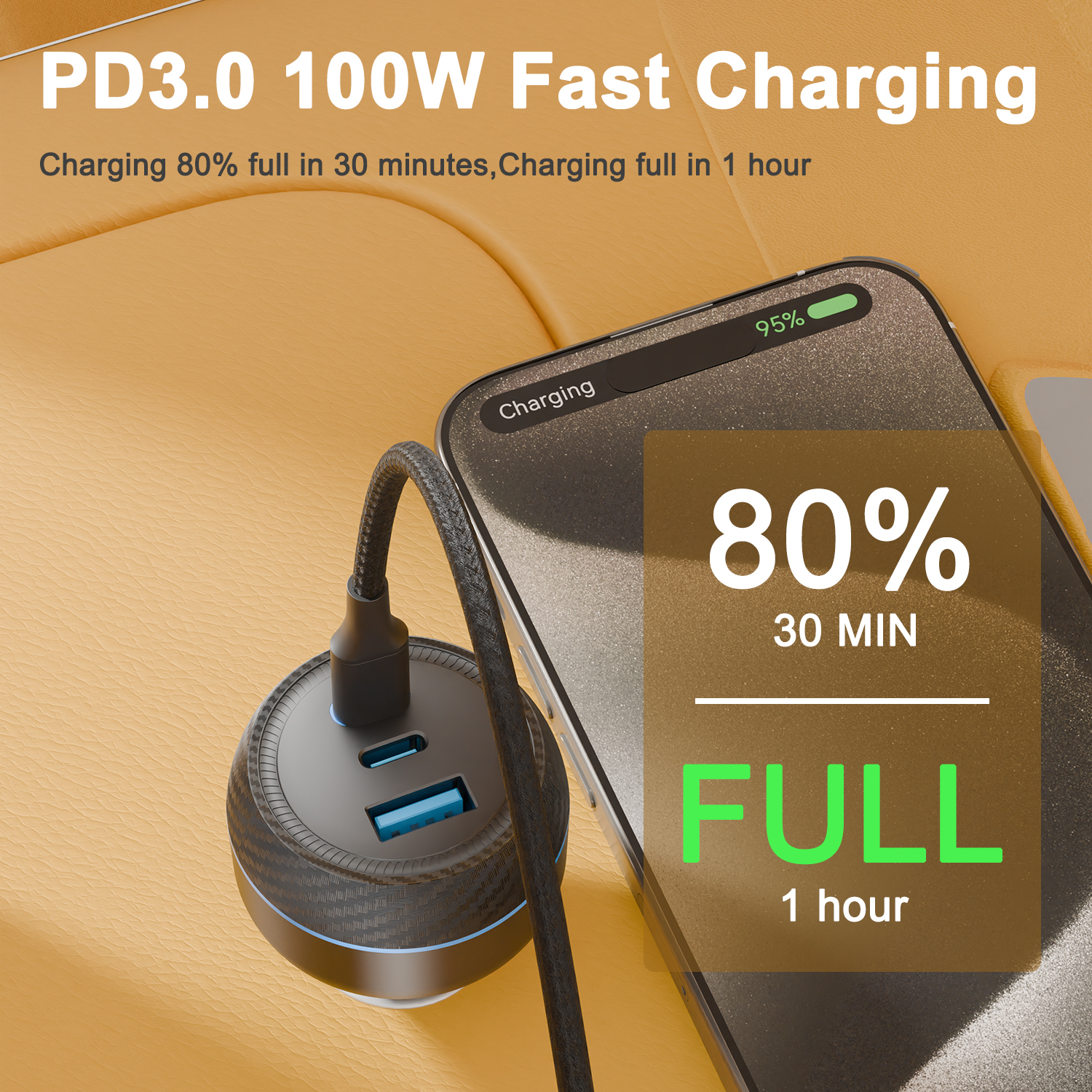
Pricing varies significantly based on wattage, brand reputation, and component quality:
- Budget Tier ($30–$50): Typically 65W dual-port GaN; suitable for phones and mid-range laptops. Brands include Baseus, UGREEN, and AUKEY.
- Mid-Range ($50–$90): 100W–140W output with better build quality and wider device compatibility. Anker’s 737 model falls here.
- Premium ($90–$150): Full 240W EPR support, premium materials, global voltage compatibility. Examples: Belkin BoostCharge Pro, Spigen ArcStation.
Value isn't just about wattage. Consider warranty length (2+ years preferred), customer service responsiveness, and return policies. While first-party options (Apple, Dell) offer guaranteed compatibility, third-party alternatives often provide superior value per watt.
| Model | Max Output | Ports | Weight | Price Range |
|---|---|---|---|---|
| Anker 737 (GaNPrime) | 140W | 3 (2C + 1A) | 340g | $99 |
| Spigen ArcStation F200 | 100W | 2C + 2A + Wireless | 420g | $75 |
| Belkin BoostCharge Pro 240W | 240W | 2C (EPR) | 380g | $149 |
| UGREEN Nexode 65W | 65W | 2C + 1A | 210g | $45 |
Customer Feedback Synthesis
Analysis of thousands of verified buyer reviews reveals consistent themes:
Common Praises:
- “Charges my MacBook Pro from 20% to 80% in under 30 minutes.”
- “Finally replaced four chargers with one compact unit.”
- “Stays cool even after two hours of continuous use.”
Recurring Complaints:
- “One port stopped working after three months—no replacement offered.”
- “Cable not included, and the recommended E-Marked version costs extra.”
- “Too bulky for pocket carry despite being ‘compact.’”
Reliability concerns often stem from lesser-known brands skipping rigorous QC. Buyers consistently rate Anker, Belkin, and Spigen higher in long-term durability.
Sourcing & Supplier Tips
For individual buyers, purchase directly from authorized retailers like Amazon, Best Buy, or brand websites to minimize counterfeit risk. Avoid third-party sellers with no verifiable inventory source.
For bulk purchases (e.g., corporate IT departments), contact distributors such as Ingram Micro or TD Synnex for volume pricing and warranty coverage. When sourcing internationally, confirm local plug type compatibility and voltage regulations—some hypercharge units auto-adjust (100–240V), while others require adapters.
If reselling, opt for suppliers offering drop-shipping and co-branded packaging. Always request sample units to test actual output using a USB power meter before placing large orders.
Maintenance, Safety & Legal Considerations
To extend lifespan, store hypercharge adapters in dry, ventilated areas away from direct sunlight. Clean dust from ports monthly using compressed air—not metal objects that could damage contacts.
Safety-wise, never cover the charger during use (e.g., under pillows or blankets), as restricted airflow leads to overheating. Use only undamaged cables and discard frayed ones immediately.
Legally, ensure compliance with regional electrical safety laws. In the U.S., UL certification is mandatory for sale; in the EU, CE marking with RoHS adherence is required. Non-compliant units may void insurance in case of fire incidents.
Conclusion
Choosing the right hypercharge device hinges on matching your device ecosystem, mobility needs, and safety expectations. Prioritize certified GaN models with sufficient wattage headroom and proven reliability. While premium units cost more upfront, they offer better longevity and performance consistency. Whether you're looking for a simple dual-port upgrade or a full 240W desktop solution, understanding key specs and avoiding common pitfalls ensures a smart investment in modern charging infrastructure.
FAQs
What does hypercharge mean in practical terms?
Hypercharge refers to high-speed charging via USB-C Power Delivery (typically 65W+), enabling fast recharging of laptops, phones, and tablets using a single efficient adapter.
Can hypercharge damage my phone battery?
No—if both the charger and device support USB PD negotiation. The system automatically adjusts voltage and current to safe levels, preventing overcharging.
Do I need a special cable for hypercharge?
Yes, for power above 60W, use a USB-C to USB-C cable rated for 100W (with E-Marker chip). Standard cables may limit speed or fail under high load.
Are all 100W chargers the same?
No. Wattage alone doesn’t guarantee performance. Check for PD 3.1, GaN tech, safety certifications, and real-world efficiency data before buying.
Is hypercharge worth it for casual users?
If you own multiple USB-C devices or value quick top-ups, yes. Otherwise, a standard 30W charger may suffice and save money.




 浙公网安备
33010002000092号
浙公网安备
33010002000092号 浙B2-20120091-4