
When selecting a CPU combo, prioritize matching processor performance with compatible motherboard chipsets and RAM support to ensure balanced system performance. For most users seeking an optimal balance of price and power, a mid-tier AMD Ryzen 5 or Intel Core i5 CPU combo delivers excellent value for gaming, productivity, and content creation 1. If you're building a new PC or upgrading an existing system, understanding what defines a true 'cpu combo'—typically a matched CPU and motherboard pair, sometimes including RAM—is essential to avoid compatibility issues and overspending. Look for bundles that include not only the processor and motherboard but also offer BIOS compatibility out of the box, especially when purchasing newer CPUs on older chipset boards.
About CPU Combo
A CPU combo generally refers to a bundled package consisting of a central processing unit (CPU), a motherboard, and often memory (RAM). These combinations are marketed by retailers or manufacturers as cost-effective solutions for DIY builders and upgrade-focused users. Unlike buying components separately, a pre-matched CPU combo ensures compatibility between the processor socket type (e.g., AM5 for AMD or LGA1700 for Intel) and the motherboard’s chipset (such as B650 or Z790).
These combos are particularly useful for first-time builders who may lack technical knowledge about component interoperability. They’re commonly used in custom desktop builds for gaming, office workstations, media editing rigs, and home servers. Some vendors even include cooling solutions or Wi-Fi modules, further enhancing the bundle’s appeal 2.
Why CPU Combo Is Gaining Popularity
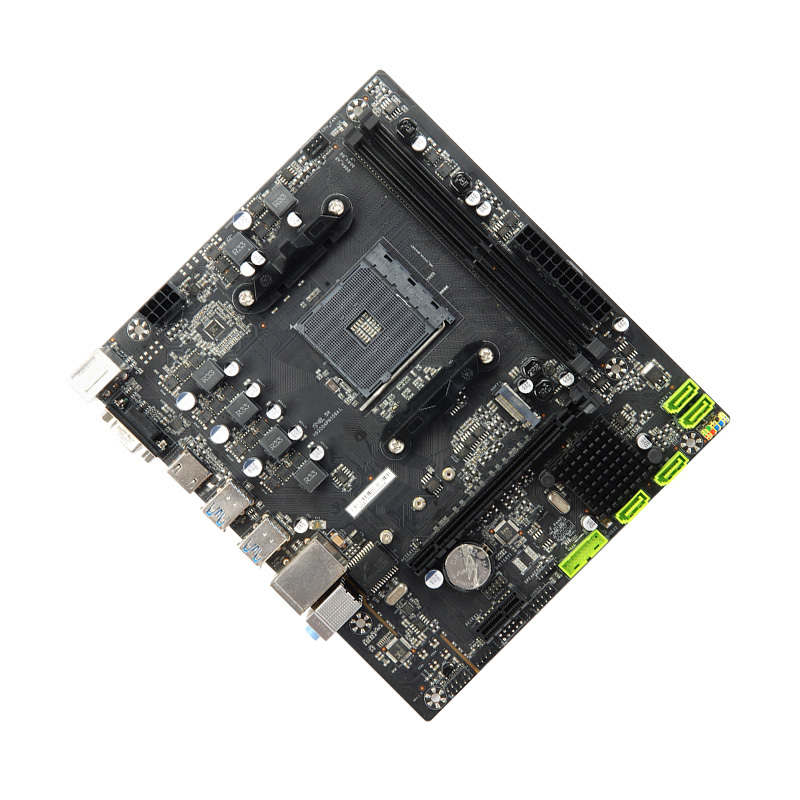
The growing popularity of CPU combos stems from several key factors: cost savings, simplified compatibility, and time efficiency. Retailers and OEMs often discount combo pricing compared to purchasing parts individually, which can save buyers $30–$80 depending on the tier. This makes them especially attractive to budget-conscious consumers and entry-level PC enthusiasts.
Additionally, the risk of mismatched components—like pairing an AM5 Ryzen 7000-series CPU with an outdated AM4 motherboard—is eliminated when buying a verified combo. As newer processors require updated BIOS versions for booting, many motherboards sold in combos come pre-flashed or are guaranteed to support the included CPU without additional updates.
For system integrators and small businesses deploying multiple machines, CPU combos streamline procurement and reduce setup errors. The plug-and-play assurance reduces technical support overhead and return rates due to incompatibility.
Types and Variants
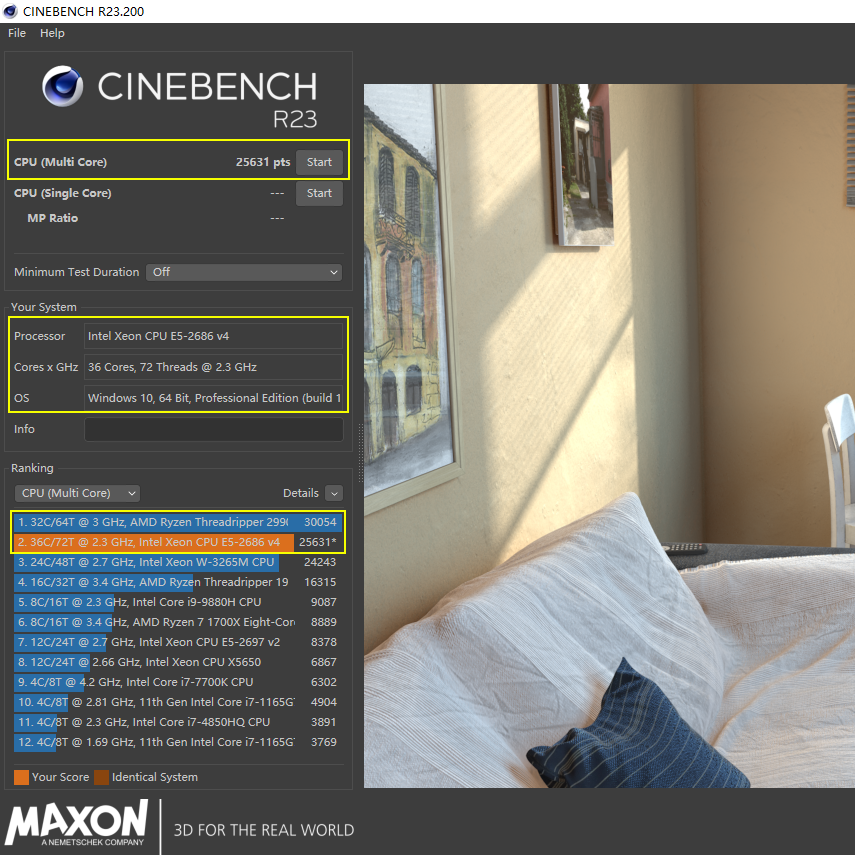
CPU combos come in various configurations tailored to different use cases and budgets. Understanding these types helps narrow down choices based on actual needs rather than marketing appeal.
1. Entry-Level CPU Combos
- Examples: Intel Core i3 + H610 motherboard; AMD Ryzen 3 + A620 board
- Pros: Affordable ($100–$200), sufficient for web browsing, office apps, light multitasking
- Cons: Limited overclocking, fewer PCIe lanes, basic VRM design, lower RAM speed support
Ideal for students, home users, or secondary computers where high performance isn’t critical.
2. Mid-Range Gaming & Productivity Combos
- Examples: AMD Ryzen 5 7600 + B650; Intel Core i5-13600K + B760/Z790
- Pros: Strong single-threaded performance, PCIe 5.0 support, DDR5 compatibility, good thermal headroom
- Cons: Higher cost ($250–$400), may require aftermarket cooler
Best suited for 1080p or 1440p gaming, video editing, programming, and streaming setups.
3. High-End Enthusiast Combos
- Examples: Ryzen 9 7950X + X670E; Core i9-14900K + Z790
- Pros: Extreme multi-core performance, overclocking capabilities, premium power delivery, dual M.2 slots, robust I/O
- Cons: Expensive ($500+), high power consumption, generates significant heat
Targeted at professionals using CAD, 4K rendering, AI training, or competitive gamers pushing frame rates.
4. Pre-Bundled Kits with RAM
- Included: CPU + Motherboard + 16GB/32GB DDR5 RAM
- Pros: Ensures RAM compatibility, saves research time, often includes XMP/D.O.C.P. profiles pre-tested
- Cons: May lock user into specific RAM speed or brand; limited flexibility if future upgrades needed
Great for beginners but less ideal for advanced users wanting custom memory configurations.
Key Features and Specifications to Evaluate
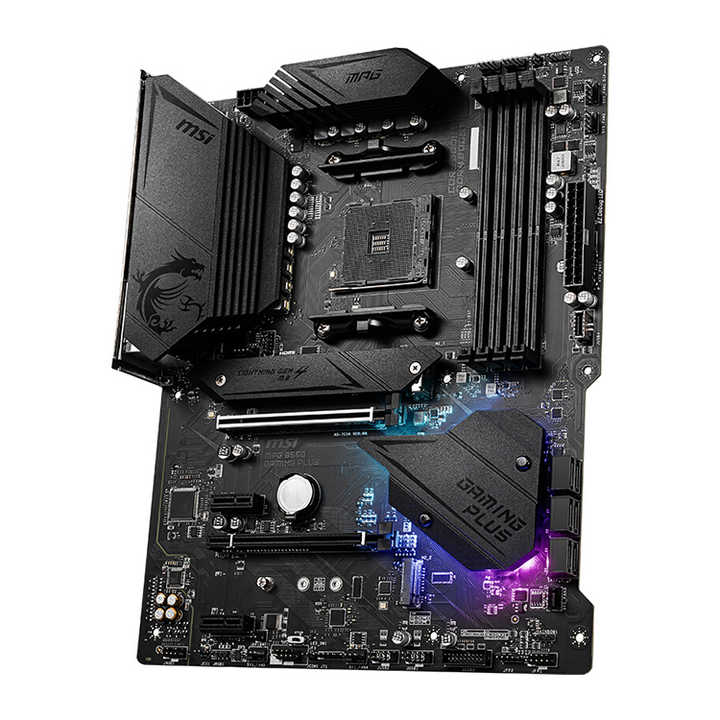
Choosing the right cpu combo requires evaluating several technical aspects beyond just price. Here's what matters most:
- Socket Compatibility: Ensure the motherboard supports the CPU’s socket (AM5, LGA1700, etc.). Mismatches render the combo unusable.
- Chipset Capabilities: B-series (budget), Z/X-series (performance, overclocking). Choose based on intended usage.
- BIOS Support: Verify the motherboard has up-to-date BIOS to recognize the CPU. Some retailers provide this info; otherwise, check manufacturer QVL lists 3.
- Memory Support: DDR4 vs DDR5? Speed limits? Dual-channel capability? Match RAM specs with workload demands.
- PCIe Version: PCIe 4.0 vs 5.0 affects GPU and NVMe SSD performance. Future-proofing favors PCIe 5.0.
- Thermal Design Power (TDP): High-TDP CPUs need robust cooling and PSU headroom. Check included cooler adequacy.
- Expansion Options: Number of M.2 slots, SATA ports, USB headers—important for storage-heavy builds.
- Integrated Wi-Fi/Bluetooth: Not all combos include wireless; verify if your case/layout needs it.
Pros and Cons
Advantages:
- Guaranteed compatibility between CPU and motherboard
- Potential cost savings over individual purchases
- Simplified shopping experience, especially for novices
- Bundled BIOS readiness reduces boot failure risks
- Fewer returns due to mismatched parts
Disadvantages:
- Limited customization (e.g., locked into specific RAM or chipset)
- Sometimes includes lower-tier motherboards to cut costs
- Risk of bundled coolers being inadequate for high-TDP CPUs
- Fewer upgrade paths if one component becomes obsolete
- May not include necessary accessories like SATA cables or standoffs
How to Choose CPU Combo
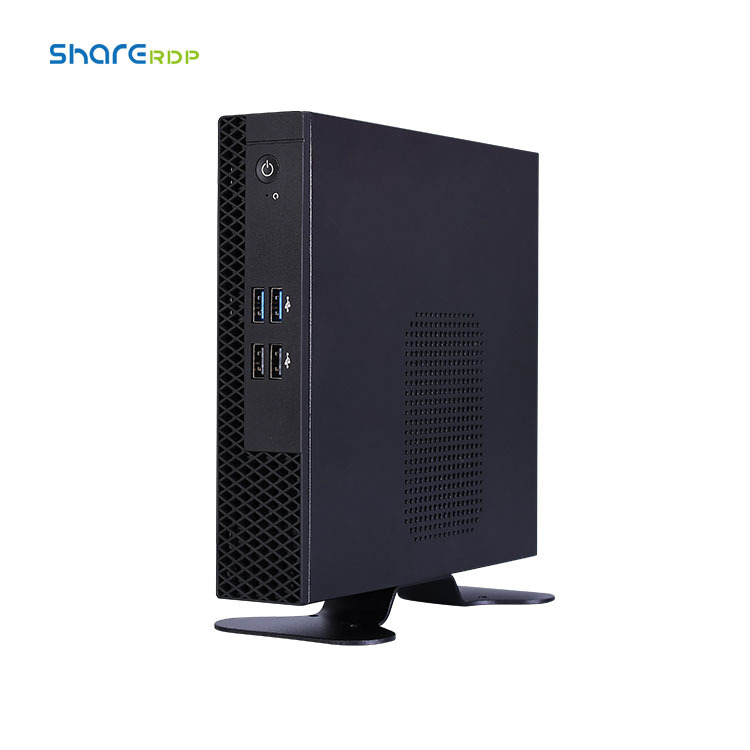
Follow this step-by-step guide to select the best cpu combo for your needs:
- Define Your Use Case: Are you building a gaming rig, workstation, or general-use PC? Match CPU performance accordingly.
- Determine Budget Range: Set a realistic budget. Mid-range combos often offer the best value.
- Select Platform: Decide between AMD (AM5) and Intel (LGA1700). Consider long-term upgrade potential—AM5 supports multiple generations.
- Check Socket & Chipset: Confirm motherboard socket matches CPU. Prioritize B650/B760 for mainstream use, X670/Z790 for high-end.
- Verify BIOS Compatibility: Contact seller or consult motherboard maker’s CPU support list before purchase.
- Evaluate Included Components: If RAM is included, check capacity, speed, and whether it's DDR4 or DDR5.
- Assess Cooling Solution: Stock coolers work for non-overclocked builds; plan for aftermarket cooling if pushing performance.
- Review Expansion Needs: Count required M.2 drives, USB ports, and network features.
- Read Return Policy: Buy from retailers with clear return policies in case of defects or incompatibilities.
- Avoid Red Flags: Extremely low prices, vague product descriptions, no BIOS version details, missing part numbers.
Price & Market Insights
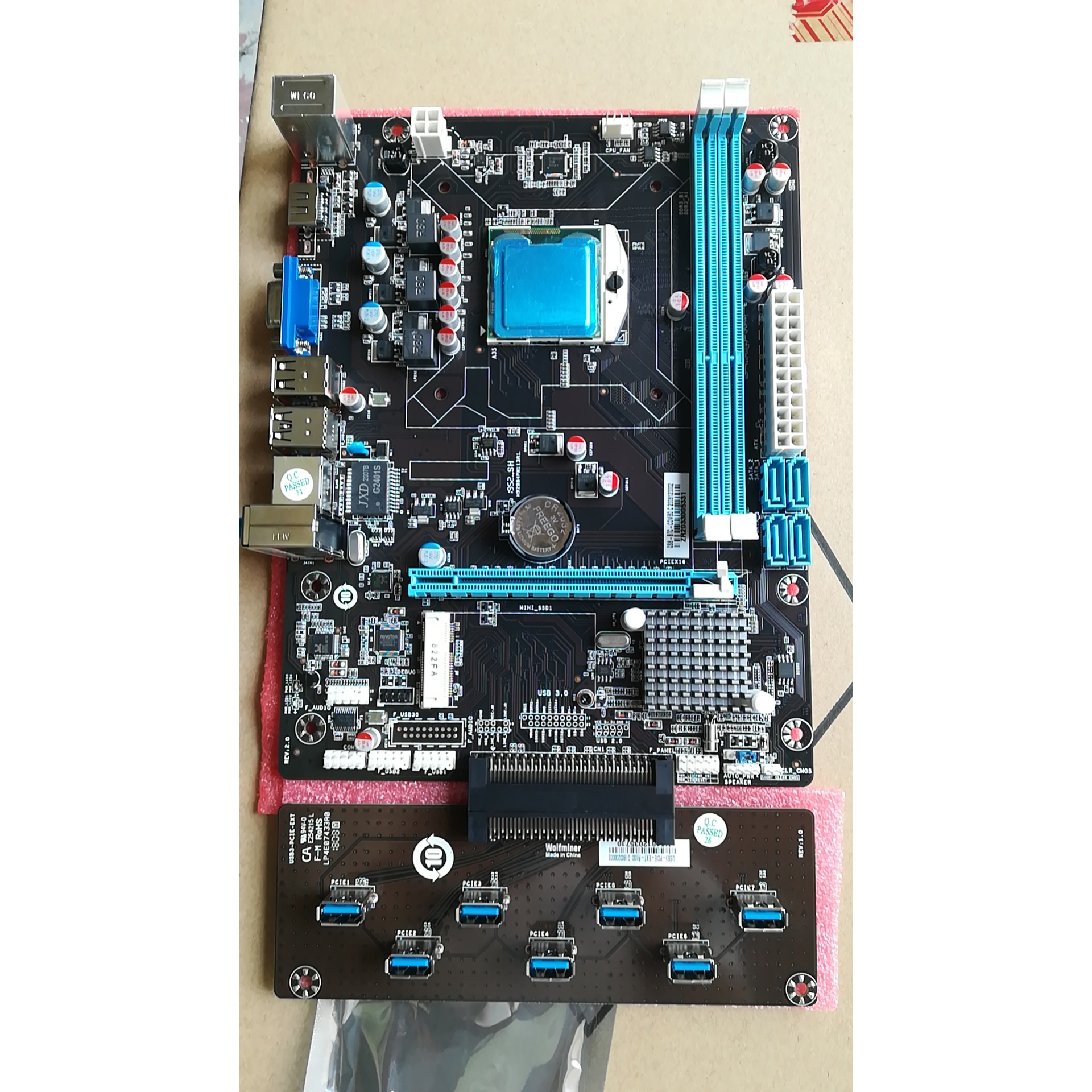
CPU combo pricing varies significantly by tier and region. As of 2024:
- Entry-Level: $100–$200 — Suitable for basic computing tasks
- Mid-Range: $250–$400 — Ideal for 1080p gaming and multitasking
- Premium: $500+ — Targeted at creators and hardcore gamers
Value-wise, mid-tier AMD Ryzen 5 + B650 combos frequently offer better longevity due to AM5’s projected support through 2027 4. Intel platforms tend to change sockets more frequently, limiting long-term upgrades.
Seasonal sales (Black Friday, Prime Day) often bring discounts of 15–25% on combos. Buying during these periods maximizes value.
| Model Combo | CPU | Motherboard | RAM Included? | Approx. Price |
|---|---|---|---|---|
| AMD Ryzen 5 7600 + B650 | Ryzen 5 7600 (6C/12T) | ASUS TUF B650-PLUS | No | $320 |
| Intel i5-14600K + Z790 | Core i5-14600K (14C/20T) | MSI PRO Z790-A | No | $480 |
| Ryzen 7 7700X + X670 | Ryzen 7 7700X (8C/16T) | Gigabyte X670 AORUS Elite | Yes (32GB DDR5) | $650 |
| Intel i3-14100 + H610 | Core i3-14100 (4C/8T) | ASRock H610M-HDV | No | $180 |
Top-Seller & Competitive Analysis
Top-selling CPU combos typically strike a balance between performance, platform stability, and price. The AMD Ryzen 5 7600 + B650 combination leads in value due to strong gaming performance, efficient architecture, and long-term AM5 socket support. It competes directly with Intel’s i5-14600K + B760, which offers higher core counts but consumes more power and generates more heat.
Buyers should note that while Intel’s 14th-gen CPUs deliver solid performance, their socket lifecycle is uncertain beyond 2024. In contrast, AMD’s commitment to AM5 until at least 2027 makes its combos more future-proof 5.
Another consideration is integrated graphics: both AMD’s Ryzen 5 7600 (with Radeon Graphics) and Intel’s 14th-gen CPUs include iGPUs, useful for troubleshooting or initial setup without a discrete GPU.
Customer Feedback Synthesis
Analysis of customer reviews across major retail platforms reveals consistent patterns:
Common Praises:
- "Saved me time researching compatibility"
- "Booted up immediately—no BIOS update needed"
- "Got a better deal than buying parts separately"
- "Perfect for my first build"
Frequent Complaints:
- "Motherboard lacked Wi-Fi, which I assumed was included"
- "Stock cooler was too loud under load"
- "RAM included ran below advertised speed until manual tuning"
- "No SATA cables in box"
These insights highlight the importance of reading full product specs and not assuming features like wireless connectivity or accessory inclusion.
Sourcing & Supplier Tips
When sourcing CPU combos, consider the following:
- Authorized Retailers: Purchase from reputable sellers like Newegg, Amazon, Best Buy, or direct from ASUS, MSI, or AMD partners.
- Check Warranty: Ensure both CPU and motherboard are covered under valid manufacturer warranties.
- For Bulk Orders: Contact distributors like Ingram Micro or Tech Data for volume pricing if building multiple systems.
- Verify Contents: Double-check what’s included—some listings omit heatsinks or data cables.
- Look for Bundle Bonuses: Some promotions include free games, SSDs, or gift cards.
Maintenance, Safety & Legal Considerations
Proper maintenance ensures longevity and safety:
- Keep the system well-ventilated to prevent CPU overheating.
- Update BIOS only when necessary and follow manufacturer instructions carefully.
- Use anti-static precautions during installation.
- Ensure power supply wattage meets total system demand, especially with high-TDP CPUs.
- Comply with local e-waste disposal laws when retiring old hardware.
- Respect software licensing—bundled combos do not include OS licenses unless explicitly stated.
Conclusion
Selecting the right cpu combo involves balancing performance, compatibility, and long-term value. For most users, a mid-range AMD Ryzen 5 or Intel Core i5 paired with a B650 or B760/Z790 motherboard offers the best mix of affordability and capability. Always verify BIOS support, included components, and retailer return policies before purchasing. While combos simplify the build process and often save money, they require careful scrutiny to avoid hidden compromises. By following this guide on what to look for in a cpu combo, you can confidently choose a reliable, future-ready system tailored to your needs.
FAQs
Q: What does a CPU combo usually include?
A: Most CPU combos include a processor and motherboard; some add RAM, coolers, or Wi-Fi cards. Always check the exact contents before buying.
Q: Are CPU combos worth it?
A: Yes, if they offer verified compatibility and a price advantage over separate purchases—especially for beginners.
Q: Can I upgrade my CPU later if I buy a combo?
A: It depends on the socket. AM5 combos support future Ryzen CPUs; Intel sockets typically change every generation.
Q: Do CPU combos come with a BIOS update?
A: Reputable sellers ensure motherboards have updated BIOS to run the included CPU. Confirm this with the vendor or check QVL lists.
Q: How do I know if a CPU combo is compatible with my RAM/GPU?
A: Check motherboard specs for supported RAM types (DDR4/DDR5), speeds, and PCIe version for GPU compatibility.




 浙公网安备
33010002000092号
浙公网安备
33010002000092号 浙B2-20120091-4