
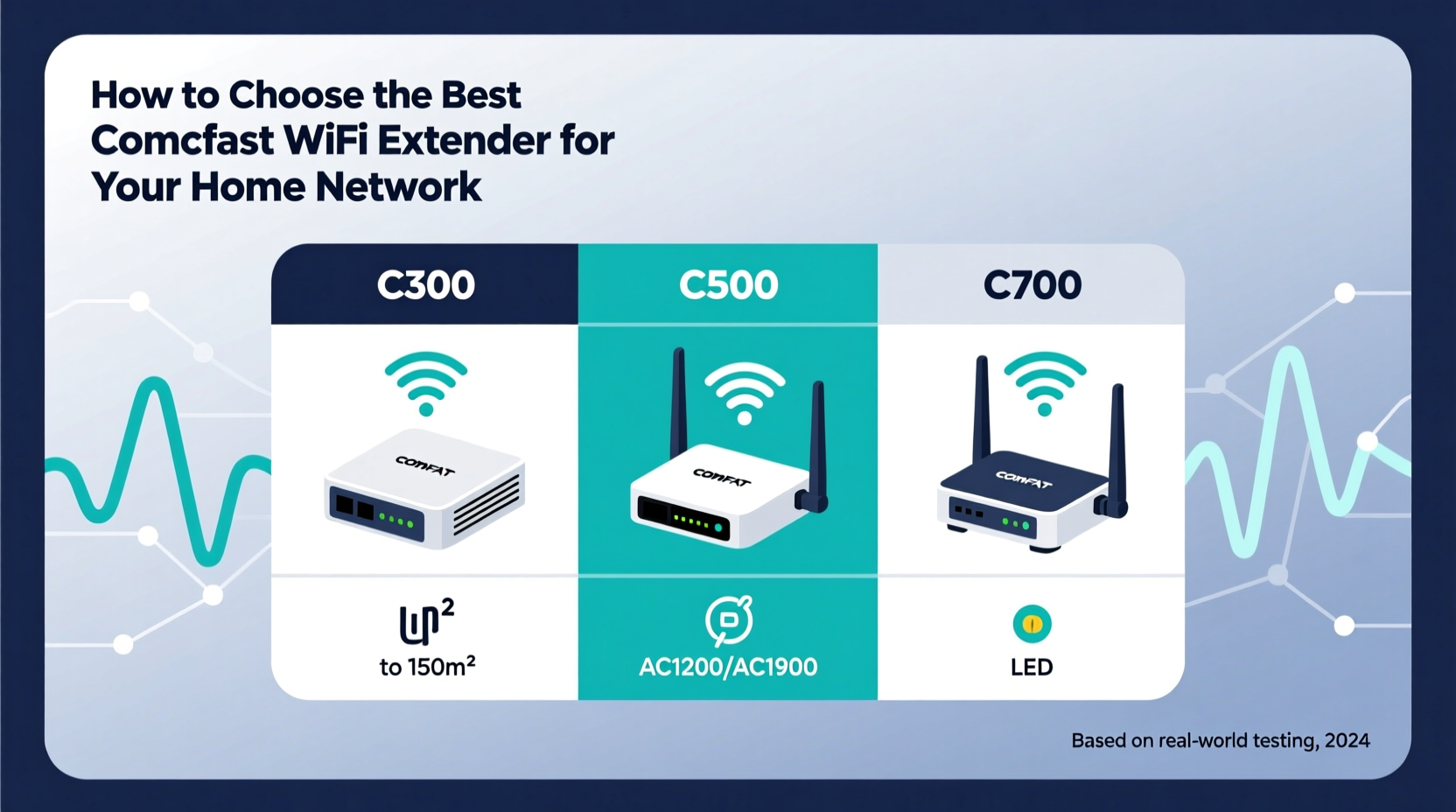
When selecting a Comfast WiFi extender, prioritize models like the Comfast CF-E900 or CF-WR650AC if you need dual-band speeds up to 1200 Mbps and stable mesh-like performance for medium to large homes 1. Look for beamforming, MU-MIMO, and Gigabit Ethernet ports if streaming, gaming, or connecting multiple devices. For optimal results in how to choose Comfast extenders, ensure compatibility with your router’s WiFi standard (802.11ac/n preferred) and consider placement flexibility—wall-plug vs. desktop designs affect signal reach. Avoid outdated single-band models unless covering small spaces on a tight budget.
About Comfast
Comfast is a networking hardware brand specializing in wireless solutions such as WiFi range extenders, access points, routers, and adapters. Founded in 2002 and headquartered in Shenzhen, China, the company focuses on delivering cost-effective yet technically capable devices for both residential and light commercial use 2. While not as widely recognized as brands like Netgear or TP-Link, Comfast has built a niche presence among users seeking high-specification equipment at competitive prices.
Typical use cases include extending weak signals in multi-story homes, eliminating dead zones in basements or garages, and boosting connectivity for smart home ecosystems. Their products are often deployed in environments where full-mesh systems may be overkill or too expensive, making them suitable for budget-conscious upgrades to existing networks.
Why Comfast Is Gaining Popularity
One reason behind Comfast's growing appeal lies in its ability to pack advanced features into affordable packages. Many of their extenders support modern technologies such as beamforming, MU-MIMO (Multi-User Multiple Input Multiple Output), and dual-band or tri-band operation—all typically found in higher-end models from major brands 3.
Additionally, user demand for flexible, easy-to-install solutions has risen alongside remote work and increased household device counts. According to market analysis, global WiFi extender sales have grown steadily, driven by the need for seamless indoor coverage without replacing entire router setups 4. Comfast meets this demand by offering scalable options that integrate well with existing infrastructure.
Types and Variants
Comfast offers several types of WiFi extenders, each suited to different environments and usage patterns:
Dual-Band Extenders (e.g., CF-WR650AC)
- Pros: Separate 2.4 GHz and 5 GHz bands reduce interference; ideal for mixed-use households with legacy and modern devices.
- Cons: Slightly more complex setup than single-band units; mid-range pricing.
Tri-Band Extenders (e.g., CF-E900)
- Pros: Dedicated backhaul channel improves throughput; excellent for HD streaming and low-latency applications.
- Cons: Higher cost; requires compatible router to fully utilize tri-band benefits.
Wall-Plug vs. Desktop Models
- Wall-Plug (e.g., CF-WR400): Compact, convenient, but limited antenna positioning.
- Desktop (e.g., CF-E900): Larger footprint but better airflow and external antennas for directional control.
Adapter-Style Extenders
- Smaller units designed for travel or temporary use; lower power output but portable.
Choosing between these depends on space constraints, desired speed, and number of connected devices.
Key Features and Specifications to Evaluate
To make an informed decision in how to choose Comfast extenders, assess the following technical aspects:
- WiFi Standard: Opt for 802.11ac (Wi-Fi 5) or newer. Avoid 802.11n-only models unless used in very small areas 5.
- Data Rates: Dual-band models should offer combined speeds of at least 750 Mbps; tri-band units can exceed 1750 Mbps.
- Antenna Configuration: External antennas generally provide better signal directionality than internal ones.
- Ports: A Gigabit Ethernet port allows wired connections for gaming consoles or smart TVs, reducing wireless congestion.
- Beamforming Support: This technology focuses signals toward connected devices, improving reliability and speed.
- MU-MIMO: Enables simultaneous data transmission to multiple devices, enhancing performance in busy networks.
- Security Protocols: Ensure WPA3 or at minimum WPA2 encryption support for secure connections.
- Compatibility: Verify interoperability with your current router brand and firmware version.
Pros and Cons
Advantages of Comfast Extenders
- Affordable compared to premium brands while offering similar specs.
- Feature-rich: many models include QoS, guest network, and WPS buttons.
- Reliable firmware updates via official website.
- Suitable for DIY installations with intuitive web interface.
Limitations
- Limited customer service availability outside China.
- Mobile app functionality is less polished than competitors like TP-Link Tether.
- Some older models lack automatic band steering.
- Not all retailers stock replacement parts or accessories.
Comfast is best suited for tech-savvy users comfortable configuring settings manually and those who value performance per dollar. It may not be ideal for users needing extensive phone-based support or integrated cloud management.
How to Choose Comfast: A Step-by-Step Guide
- Assess Your Coverage Needs: Measure square footage and identify dead zones. For under 1,500 sq ft, a dual-band model suffices. Over 2,000 sq ft? Consider a tri-band or pair two extenders.
- Evaluate Internet Speed: If your plan exceeds 100 Mbps, avoid bottlenecking with subpar extenders. Match extender max throughput to your ISP speed.
- Check Router Compatibility: Use same WiFi generation (e.g., AC1200+ router with AC1200 extender). Mismatched standards reduce efficiency.
- Determine Placement Options: Wall outlets near central locations favor plug-in models. For attic or garage use, a desktop unit with external antennas performs better.
- Decide on Wired Connectivity: Need to connect a PC or TV via cable? Prioritize models with LAN ports.
- Review Management Interface: Check whether setup uses browser-based UI or mobile app. Some Comfast models require manual IP entry (e.g., 192.168.10.1).
- Avoid Red Flags: Steer clear of discontinued models, third-party refurbished units without warranty, or listings missing FCC ID numbers.
Price & Market Insights
Comfast extenders typically range from $30 to $100 USD:
- $30–$50: Entry-level dual-band models (e.g., CF-WR400); adequate for apartments or offices under 1,200 sq ft.
- $50–$80: Mid-tier dual/tri-band units (e.g., CF-WR650AC); balanced performance for families.
- $80–$100: High-end tri-band (e.g., CF-E900); supports 4K streaming and whole-home coverage.
Value-wise, Comfast delivers strong ROI when replacing aging repeaters. However, always compare real-world speeds using independent reviews, as advertised “up to” rates rarely reflect actual throughput 6. Be cautious of third-party sellers inflating specs; verify claims through trusted tech sites.
Top-Seller & Competitive Analysis
The CF-E900 and CF-WR650AC are among the most popular Comfast models due to their robust feature sets and consistent performance.
| Model | Bands | Max Speed | Ethernet Port | Key Feature |
|---|---|---|---|---|
| CF-E900 | Tri-Band | 1750 Mbps | Yes (Gigabit) | Dedicated backhaul, MU-MIMO |
| CF-WR650AC | Dual-Band | 1200 Mbps | Yes | Beamforming, compact design |
| CF-WR400 | Dual-Band | 750 Mbps | No | Wall-plug, budget-friendly |
Compared to competitors like the TP-Link RE650 or Netgear EX7300, Comfast models often undercut on price while matching core specifications. However, they lag slightly in software experience and long-term firmware support.
Customer Feedback Synthesis
Aggregating feedback from Amazon, Newegg, and Reddit reveals common themes:
- Positive: Users frequently praise fast setup, noticeable signal boost, and solid build quality. The CF-E900 receives acclaim for eliminating basement dead zones 7.
- Negative: Complaints center on inconsistent mobile app performance, difficulty resetting some units, and rare instances of overheating during prolonged use.
- Neutral Observations: Several buyers note that default settings work well, but advanced configurations require consulting PDF manuals rather than interactive wizards.
Overall satisfaction is high when expectations align with product tier—budget models aren’t expected to perform like enterprise gear.
Sourcing & Supplier Tips
For individual purchases, buy from authorized dealers such as Amazon, Newegg, or directly from comfast.cn to ensure genuine firmware and warranty eligibility. Watch for counterfeit versions sold by unauthorized resellers—check packaging seals and serial numbers.
For bulk orders (e.g., small business deployments), contact Comfast sales representatives via their official site for OEM/ODM possibilities or volume discounts. Request sample units before large procurement to test integration with existing infrastructure.
When receiving shipments, inspect for physical damage and verify included accessories (power adapter, Ethernet cable if advertised). Test immediately using a known-good network to confirm stability.
Maintenance, Safety & Legal Considerations
Regular maintenance includes rebooting every few weeks and checking for firmware updates on the manufacturer’s download page. Keep vents unobstructed to prevent thermal throttling.
Safety-wise, only use provided power adapters to avoid electrical hazards. Install away from water sources and flammable materials. All Comfast devices carry FCC and CE certifications; verify local regulations regarding radio frequency emissions if deploying in regulated environments.
Note: Modifying firmware may void compliance and warranties. Stick to official releases unless you accept associated risks.
Conclusion
Choosing the right Comfast WiFi extender comes down to balancing performance needs, space requirements, and budget. For most households, models like the CF-WR650AC or CF-E900 offer the best blend of speed, reliability, and expandability. Focus on key specs like dual/tri-band support, MU-MIMO, and wired ports when evaluating what to look for in Comfast extenders. While customer support lags behind top-tier brands, the hardware itself delivers strong value for technically inclined users. Always purchase from verified sources and validate compatibility before deployment.
FAQs
- Can I use a Comfast extender with a non-Comfast router?
Yes, most Comfast extenders work with any standard router. Ensure both support the same WiFi protocols (e.g., 802.11ac) for best results. - Do Comfast extenders support WPA3 security?
Some newer models do, but many still use WPA2. Check the product specification sheet or firmware changelog for confirmation. - Why does my Comfast extender show lower speeds than advertised?
Advertised speeds are theoretical maximums. Real-world performance depends on distance, interference, and connected device capabilities. - How do I update firmware on my Comfast device?
Download the latest version from comfast.cn, then upload it via the device’s web interface (usually accessible at 192.168.10.1). - Are Comfast extenders suitable for gaming?
Yes, especially tri-band models with low latency and Gigabit ports. Position the extender close to the gaming console for optimal performance.





 浙公网安备
33010002000092号
浙公网安备
33010002000092号 浙B2-20120091-4