
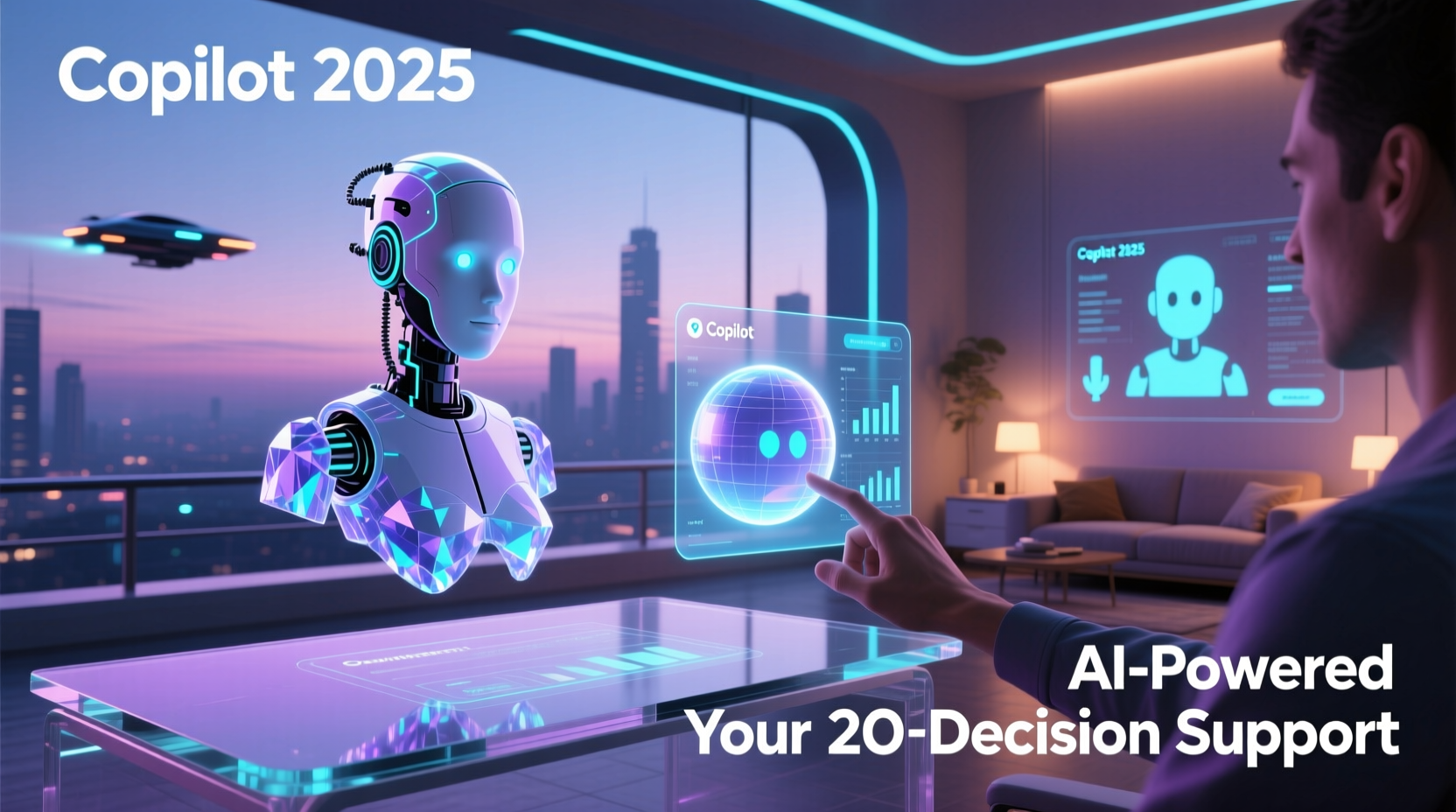
Microsoft Copilot's image generation capability is transforming how users create visuals directly within productivity applications like PowerPoint, Word, and Teams. By integrating with OpenAI’s DALL·E model, Copilot enables users to generate high-quality, context-aware images using natural language prompts 1. This feature is available to enterprise customers with eligible Microsoft 365 subscriptions and represents a significant leap in AI-assisted content creation. Unlike standalone generative tools, Copilot’s image generation is deeply embedded into the workflow, allowing real-time visual ideation without switching platforms. The system prioritizes security, compliance, and data protection by ensuring that enterprise data is not used to train underlying models—a critical differentiator for business environments 2.
Understanding Copilot’s Integration with DALL·E for Image Creation
At the core of Copilot’s image generation functionality lies its integration with OpenAI’s DALL·E, a state-of-the-art diffusion model capable of producing detailed and coherent images from text descriptions 3. When a user inputs a prompt—such as “a futuristic city skyline at sunset with flying cars”—Copilot processes this request through the Azure OpenAI Service, which hosts the DALL·E model under Microsoft’s secure cloud infrastructure. This setup ensures that while the generative engine is powerful, it remains aligned with enterprise governance policies.
The interaction between Copilot and DALL·E is optimized for contextual relevance. For instance, when generating an image inside a PowerPoint slide, Copilot considers the surrounding content—such as nearby text or presentation theme—to refine the output. This contextual awareness enhances accuracy and reduces the need for manual editing. Additionally, Copilot supports iterative refinement; users can modify their initial prompt or select variations of the generated image to better match their vision 4.
This integration also benefits from Microsoft’s Responsible AI framework, which includes content filtering to prevent the generation of harmful or inappropriate imagery. Before any image is rendered, the system performs safety checks on both the input prompt and the output image, aligning with Microsoft’s commitment to ethical AI deployment 5.
Availability and Access Requirements for Enterprise Users
Copilot’s image generation feature is not universally available across all Microsoft accounts. It requires a qualifying Microsoft 365 subscription, such as Microsoft 365 E3/E5, Business Standard/Premium, or equivalent plans that include Copilot for Microsoft 365 licensing 6. Furthermore, administrators must enable the feature via the Microsoft 365 admin center, configure security settings, and assign licenses to individual users.
Organizations must also ensure they meet specific technical prerequisites, including up-to-date versions of Office desktop applications (e.g., Version 2308 or later) and proper configuration of Azure Active Directory and Conditional Access policies. These requirements help maintain data integrity and prevent unauthorized access to AI-generated content 7.
For global enterprises, regional availability may vary. As of late 2025, image generation is supported in over 40 countries, with ongoing expansion based on regulatory compliance and data residency laws. Administrators can check the Microsoft 365 roadmap (ID: Viva Goals – Image Generation in Viva Goals) for updates on geographic rollout 8.
Use Cases Across Microsoft 365 Applications
One of the most compelling advantages of Copilot’s image generation is its seamless integration across multiple Microsoft 365 apps, each offering unique use cases tailored to professional workflows.
In PowerPoint, users can generate custom illustrations, infographics, or background visuals directly within slides. For example, a marketing team preparing a product launch presentation can request “an abstract tech-themed background with glowing circuits” and instantly apply it to enhance visual appeal without external design tools 9.
Word users benefit from image generation when creating reports, proposals, or training manuals. A project manager documenting a construction timeline might insert a generated image of “a modern office building under construction with cranes and workers” to visually support textual descriptions. The image adapts to the document’s formatting and style, maintaining consistency 10.
Within Teams, Copilot can generate visuals during chat conversations or meetings. A brainstorming session in a channel thread could include a prompt like “a flowchart showing customer journey stages,” resulting in an instant visual aid that fosters collaboration. These images are stored securely within the team’s SharePoint site, ensuring version control and access management 11.
Outlook integration allows users to generate images for email content—particularly useful for internal communications or newsletters. An HR manager sending a company-wide update about wellness programs might include a generated image of “employees doing yoga in a bright, modern office space” to increase engagement 12.
| Application | Primary Use Case | Prompt Example | Output Format |
|---|---|---|---|
| PowerPoint | Slide visuals and backgrounds | “Futuristic dashboard interface with holograms” | High-res PNG, theme-aligned |
| Word | Illustrations for reports | “Infographic showing AI adoption trends 2020–2025” | Embedded image, responsive layout |
| Teams | Real-time collaboration aids | “Mind map of digital transformation strategies” | Inline message attachment |
| Outlook | Email graphics | “Friendly cartoon characters representing teamwork” | Inline or attached image |
Security, Data Handling, and Compliance Considerations
A defining aspect of Copilot’s image generation is its adherence to strict enterprise-grade security protocols. Unlike public AI services, where user inputs may be logged and used for model improvement, Microsoft ensures that prompts entered by enterprise customers are not stored or used to retrain models 13. This safeguard preserves confidentiality, especially when handling sensitive business concepts or proprietary information.
All image generation requests are processed within Microsoft’s trusted cloud environment, leveraging encryption in transit and at rest. Moreover, the system enforces role-based access control (RBAC), meaning only authorized users can generate or view AI-created content. This is particularly important in regulated industries such as finance, healthcare, and government 14.
Microsoft also provides audit logging capabilities through Microsoft Purview, allowing administrators to track who generated what image, when, and in which context. These logs support compliance with standards such as ISO 27001, SOC 2, and HIPAA 15.
Limitations and Ethical Safeguards
While Copilot’s image generation offers robust functionality, several limitations exist. First, the system does not allow fine-grained control over artistic styles or precise anatomical details, making it less suitable for professional graphic designers requiring pixel-level accuracy. Second, complex multi-object scenes may result in distorted perspectives or illogical compositions due to inherent constraints in current generative models 16.
To address ethical concerns, Microsoft employs a multi-layered moderation pipeline. Prompts containing hate speech, violence, nudity, or impersonation attempts are blocked in real time. Similarly, generated images undergo automated screening using computer vision models trained to detect prohibited content. If a violation is detected, the image is withheld and reported according to organizational policy 17.
Another limitation is the lack of persistent customization. Users cannot train or fine-tune the model on private datasets, restricting personalization compared to self-hosted AI solutions. However, this restriction reinforces data isolation and prevents potential misuse 18.
Best Practices for Effective Image Generation
To maximize the effectiveness of Copilot’s image generation, users should follow structured prompting techniques. Clear, specific, and context-rich prompts yield superior results. Instead of “a graph,” a more effective prompt would be “a 3D bar chart comparing Q1 sales performance across North America, Europe, and Asia with blue, green, and red bars.”
It is also advisable to iterate on outputs. After generating an initial image, users should review it critically and refine the prompt—for example, adding “minimalist style, white background, flat design” to achieve a cleaner aesthetic. Testing variations helps identify the optimal balance between creativity and clarity.
Organizations should establish internal guidelines for AI-generated content usage, including branding standards, copyright disclaimers, and approval workflows. Training sessions for employees on responsible AI use can further reduce risks associated with misinterpretation or misuse 19.
Future Developments and Roadmap Outlook
Microsoft continues to invest heavily in enhancing Copilot’s creative capabilities. Upcoming features expected in 2025–2026 include support for video storyboard generation, enhanced style transfer options, and tighter integration with Adobe Creative Cloud via API partnerships 20. Additionally, Microsoft Research is exploring ways to incorporate user feedback loops to improve long-term model alignment without compromising privacy.
There is also growing interest in enabling localized language prompts for image generation, expanding accessibility beyond English-speaking markets. Early testing in Japanese, German, and Spanish has shown promising results, though challenges remain in preserving cultural nuance and avoiding bias 21.
As AI hardware accelerates, Microsoft is optimizing inference efficiency to reduce latency in image generation, aiming for sub-second response times even for high-resolution outputs. This progress will further embed AI into real-time collaborative scenarios such as live presentations and virtual workshops 22.
Frequently Asked Questions (FAQ)
- Can I use Copilot image generation for commercial projects?
- Yes, images generated by Copilot for Microsoft 365 can be used commercially, provided you have a valid license. Microsoft grants users full rights to utilize the generated visuals in presentations, reports, marketing materials, and internal communications 23.
- Are the generated images unique, or do others see the same output?
- Each generated image is unique to the prompt and user context. While similar prompts may produce visually related results, exact duplicates are highly unlikely due to stochastic variation in the generative process 24.
- Does Copilot store the images I generate?
- Generated images are saved in your organization’s Microsoft 365 storage (e.g., OneDrive or SharePoint) only if you choose to insert them into a document. Temporary previews are not retained after the session ends 25.
- Can I edit the generated image after insertion?
- Yes, once inserted into PowerPoint, Word, or other apps, generated images behave like any other image file. You can crop, resize, apply filters, or annotate them using built-in tools 26.
- Is offline image generation supported?
- No, image generation requires an active internet connection and authentication to Microsoft 365 services. Processing occurs in the cloud via Azure OpenAI, so local offline generation is not currently possible 27.





 浙公网安备
33010002000092号
浙公网安备
33010002000092号 浙B2-20120091-4