
When deciding how to choose a mini CD, start by confirming its compatibility with your device—many modern players don’t support the 8 cm format. If you're looking for a compact optical disc for short audio recordings, data storage, or promotional content, a mini CD (also known as an 8 cm CD) can be a practical choice 1. These discs hold up to 24 minutes of audio or 210 MB of data, making them ideal for single albums, software demos, or niche archiving. However, always verify player support before purchasing, as declining hardware availability affects usability. For most users seeking portability and legacy media compatibility, selecting pre-recorded or recordable mini CDs from reputable brands ensures reliability.
About Mini CD
A mini CD is a smaller version of the standard 12 cm compact disc, measuring 8 centimeters in diameter. First introduced in the late 1980s alongside full-sized CDs, this format was designed for applications where space and portability were priorities. While not as widely used today due to digital streaming and flash storage dominance, mini CDs still serve specific purposes in both consumer and professional settings.
Mini CDs function just like regular CDs but with reduced storage capacity. They come in two primary formats: read-only (pre-recorded) and recordable (CD-R or CD-RW). The former is often used for music singles, firmware updates, or software distribution, while the latter allows users to burn custom audio or data files using compatible drives.
Common uses include promotional music releases, karaoke tracks, camera firmware updates, and educational tools. Some vintage gaming systems and car stereos also support mini CDs, though newer models increasingly omit tray designs that accommodate smaller discs.
Why Mini CD Is Gaining Popularity Again
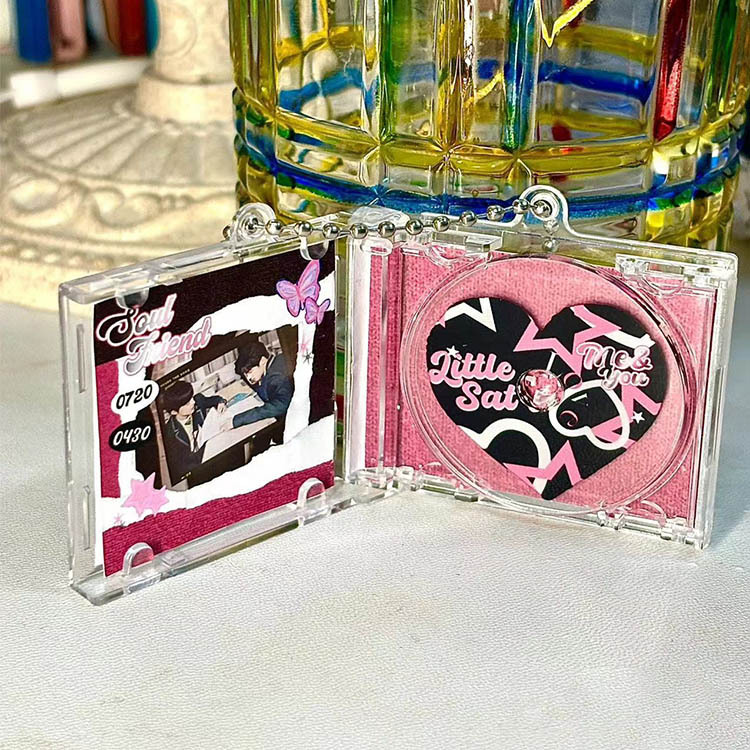
Despite being considered outdated by mainstream standards, there's been a modest resurgence in interest around mini CDs, especially among collectors, retro tech enthusiasts, and independent artists. One reason is their nostalgic appeal—mini CDs evoke early digital media culture and are frequently found in vintage electronics collections.
Independent musicians and small labels favor mini CDs for limited-run album releases because they stand out visually and require less material than full-sized discs. Additionally, their compact size makes them easier to package creatively, reducing shipping costs and environmental impact.
In industrial contexts, mini CDs remain relevant for embedding firmware into devices where USB ports aren't available or secure boot processes require optical media. Certain medical, automotive, and aerospace equipment still rely on these discs for initial setup or calibration procedures.
Types and Variants
Understanding the different types of mini CDs helps buyers make informed decisions based on intended use. Below are the main variants:
Pre-Recorded Mini CD
These are factory-pressed discs containing fixed content such as music, software, or instructional videos. They offer high durability and playback consistency.
- Pros: High-quality replication, resistant to scratches, consistent performance
- Cons: Not rewritable, limited availability, dependent on original manufacturer
Mini CD-R (Recordable)
Blank discs that allow one-time data burning via a compatible CD writer. Widely used for DIY projects, backups, and personal mixes.
- Pros: Affordable, customizable, widely supported by older CD burners
- Cons: Sensitive to light and heat, prone to write errors if low quality
Mini CD-RW (Rewritable)
These can be erased and rewritten multiple times, making them useful for temporary storage or testing.
- Pros: Reusable, flexible for iterative work
- Cons: Slower write speeds, lower compatibility with some players, shorter lifespan than CD-R
Hybrid & Specialty Formats
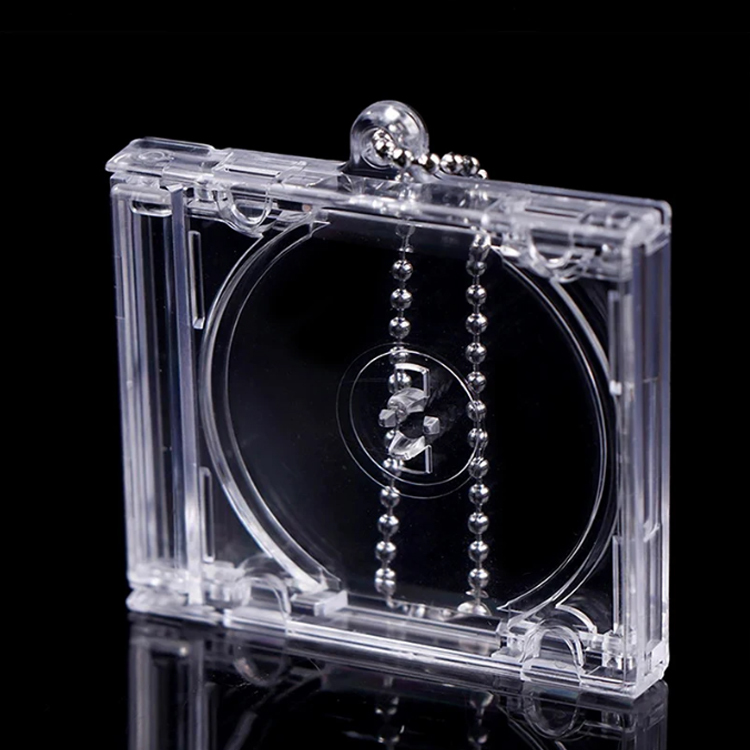
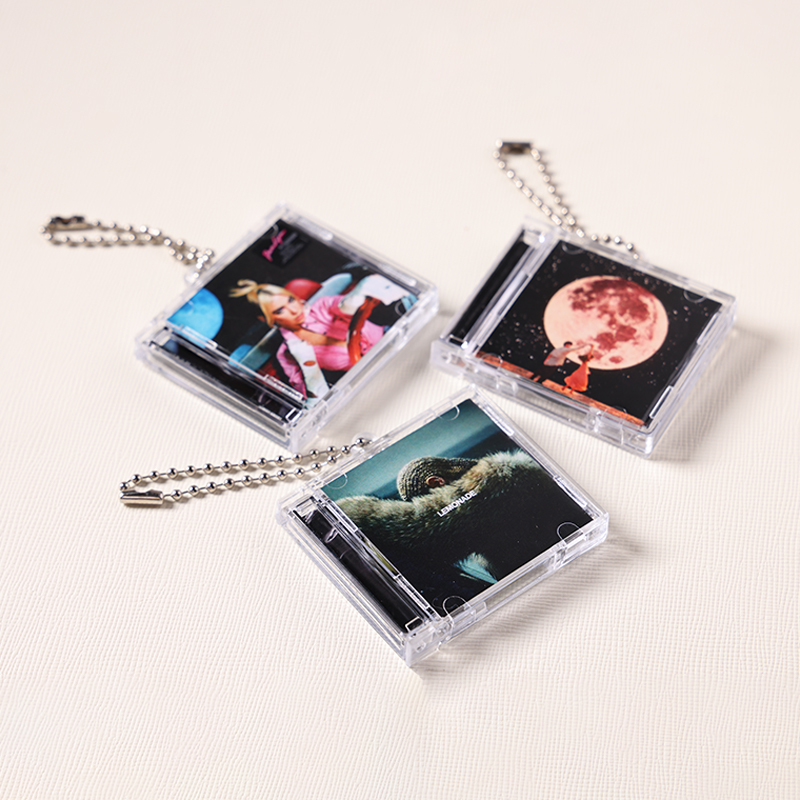
Some mini CDs feature hybrid layers (e.g., CD+G for karaoke graphics) or dual-sided printing. Others may have unique shapes (heart, star), though non-circular designs risk damaging drives.
- Pros: Visually distinctive, great for gifts or marketing
- Cons: Potential mechanical issues in slot-loading drives, higher cost
Key Features and Specifications to Evaluate
Before purchasing a mini CD, consider several technical and practical factors:
- Diameter and Fit: Ensure your player accepts 8 cm discs. Many slot-loading drives only handle 12 cm CDs unless an adapter ring is used.
- Storage Capacity: Audio holds up to 24 minutes; data maxes at about 210 MB. Compare this against your needs—larger files will require alternative media.
- Playback Compatibility: Test whether your stereo, computer, or game console supports mini CDs. Check device manuals or manufacturer websites for confirmation 2.
- Recording Speed: For CD-R/RW, look for discs rated between 4x and 24x speed. Higher speeds reduce burn time but increase error risk if your drive isn't optimized.
- Reflective Layer Quality: Gold-layer discs resist oxidation better than silver, offering longer archival life—important for long-term storage.
- Surface Coating: UV-coated or printable surfaces enhance durability and labeling options.
Pros and Cons
Like any medium, mini CDs have distinct advantages and limitations depending on usage context.
Advantages
- Ideal for short-form content like singles, jingles, or firmware.
- Eco-friendlier than full-sized discs due to reduced plastic use.
- Unique physical format stands out in promotional campaigns.
- No internet required for access—beneficial in offline environments.
- Less susceptible to malware compared to USB drives when distributing software.
Disadvantages
- Limited capacity restricts use for large files or full albums.
- Declining hardware support reduces accessibility over time.
- Fragile—scratches or warping can render discs unreadable.
- Slower data transfer rates compared to modern SSDs or cloud storage.
- Not suitable for frequent rewriting; CD-RW has limited cycle endurance (~1,000 rewrites).
How to Choose a Mini CD
Selecting the right mini CD involves a step-by-step evaluation process:
- Determine Your Use Case: Are you creating a music demo, backing up documents, or distributing software? Match the format (CD-R, CD-RW, pre-recorded) accordingly.
- Verify Device Compatibility: Consult your player’s manual or test with a sample disc. Avoid assuming backward compatibility without verification.
- Choose Reliable Brands: Opt for well-known manufacturers like Verbatim, Sony, or TDK. Cheap no-name brands often suffer from poor dye layers and high failure rates.
- Check Burner Support: If recording, ensure your optical drive explicitly lists mini CD-R support. Some internal drives lack spindle adjustment for smaller discs.
- Consider Archival Needs: For long-term storage, select gold-based CD-Rs stored in cool, dark conditions away from humidity.
- Avoid Oddly Shaped Discs: Star-shaped or heart-cut mini CDs may look appealing but pose risks in automatic loaders.
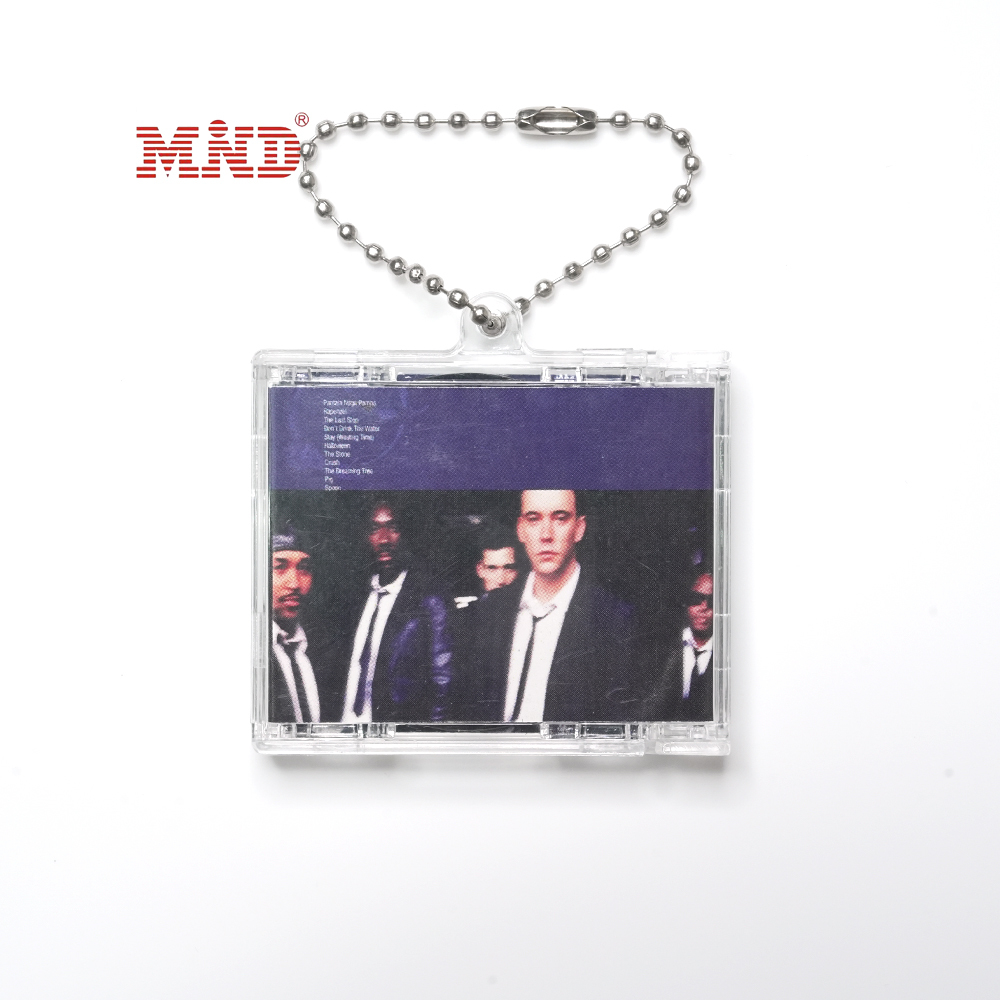
- Evaluate Packaging Needs: If used for gifting or promotion, prioritize printable surfaces or jewel cases designed for 8 cm discs.
Red flags to avoid include extremely low-priced bulk packs (often defective), unlabeled spindles without speed ratings, and sellers who don’t provide return policies.
Price & Market Insights
Mini CDs vary in price based on type, brand, and quantity. As of recent market observations:
- Bare mini CD-Rs: $0.10–$0.30 each in bulk (50+ units)
- Premium archival-grade (gold layer): $0.50–$1.00 per disc
- Pre-recorded commercial mini CDs: $3–$15, depending on rarity and packaging
- Mini CD-RW: $0.40–$0.80 each
Value-wise, mid-tier branded CD-Rs offer the best balance between cost and reliability. Bargain bins may seem economical but often result in wasted time and failed burns. For occasional users, buying small packs (10–25 discs) prevents waste. Institutions needing regular duplication might benefit from wholesale suppliers or OEM partnerships.
Top-Seller & Competitive Analysis
Below is a comparison of popular mini CD products based on performance, availability, and user feedback:
| Product | Type | Capacity | Speed Rating | Key Feature |
|---|---|---|---|---|
| Verbatim 8cm CD-R | Recordable | 210 MB / 24 min | 24x | Archival gold layer, printable surface |
| Sony 8cm CD-R | Recordable | 210 MB / 24 min | 16x | High reflectivity, reliable burn success |
| TDK 8cm CD-RW | Rewritable | 210 MB | 10x | Up to 1,000 rewrites, good for testing |
| Creative Labs Karaoke CD+G | Pre-recorded | Audio + Graphics | N/A | Designed for karaoke machines |
Verbatim leads in archival quality, while Sony offers strong compatibility across devices. TDK remains a solid pick for rewritable needs, though demand has decreased. Pre-recorded specialty discs depend heavily on content licensing and availability.
Customer Feedback Synthesis
Analyzing reviews across major retailers reveals common themes:
Positive Feedback: Users appreciate the compact design, ease of labeling, and successful use in older car stereos and home audio systems. Many note that Verbatim and Sony discs have near-perfect burn success rates when used with proper equipment. Artists praise the aesthetic value for EP releases.
Common Complaints: Frequent issues include discs getting stuck in slot-loading drives, failed burns with budget brands, and difficulty finding players that recognize 8 cm media. Some customers report that certain DVD/Blu-ray combo drives fail to detect mini CDs even when advertised as compatible.
To mitigate risks, buyers recommend testing one disc before mass duplication and physically checking drive trays for centering rings or adapters.
Sourcing & Supplier Tips
Mini CDs are less common in brick-and-mortar stores but widely available online through electronics retailers, music supply shops, and industrial distributors. When sourcing:
- Buy from authorized dealers to avoid counterfeits.
- For bulk purchases (50+ units), inquire about business pricing or B2B portals.
- Look for suppliers offering sample packs to test compatibility before scaling.
- If reselling or distributing, confirm copyright clearance for any pre-recorded content.
- Inspect packaging upon arrival—discs should be free from warping or smudges.
Maintenance, Safety & Legal Considerations
Proper care extends the life of mini CDs significantly:
- Store vertically in protective cases to prevent warping.
- Handle by the edges to avoid fingerprint residue on the data side.
- Clean gently with a soft lint-free cloth, wiping radially (center to edge), not circularly.
- Keep away from direct sunlight, extreme temperatures, and moisture to prevent delamination.
Safety-wise, never attempt to play damaged or cracked discs, as they may shatter inside the drive. Also, avoid modifying disc shape or weight, which could imbalance spinning mechanisms.
Legally, burning copyrighted material without permission violates intellectual property laws in most countries. Always ensure you have rights to duplicate content, especially for distribution. Commercial use of pre-recorded music requires proper licensing.
Conclusion
Choosing the right mini CD depends on understanding your device compatibility, storage needs, and long-term goals. Whether you're an artist releasing a limited edition EP, a technician installing legacy firmware, or a collector preserving vintage media, the 8 cm format offers unique benefits despite its shrinking footprint in modern tech. Prioritize quality over cost, verify player support, and store discs properly to maximize usability. By following this guide on how to choose a mini CD, you’ll make a smarter, more durable choice tailored to your specific requirements.
FAQs
- Can I play a mini CD in a regular CD player?
Only if the player supports 8 cm discs. Check the manual or look for a secondary inner ring in the tray. Slot-loading drives often don’t support mini CDs unless an adapter is used. - What is the difference between mini CD and full-sized CD?
Mini CDs are 8 cm in diameter (vs. 12 cm), hold less data (210 MB vs. 700 MB), and may not fit all players. Otherwise, they operate on the same Red Book audio standard. - Are mini CDs still being manufactured?
Yes, though production has declined. Brands like Verbatim and Sony still produce mini CD-Rs for niche markets and industrial applications. - How do I burn music onto a mini CD?
Use a computer with a compatible CD/DVD burner and burning software (like Nero, iTunes, or ImgBurn). Insert the mini CD-R, select audio project mode, add tracks, and initiate burn at moderate speed (4x–8x recommended). - Do mini CDs last as long as regular CDs?
With proper storage, yes. Gold-layer CD-Rs can last 50–100 years. However, cheaper dyes degrade faster, especially under UV exposure or high humidity.





 浙公网安备
33010002000092号
浙公网安备
33010002000092号 浙B2-20120091-4