
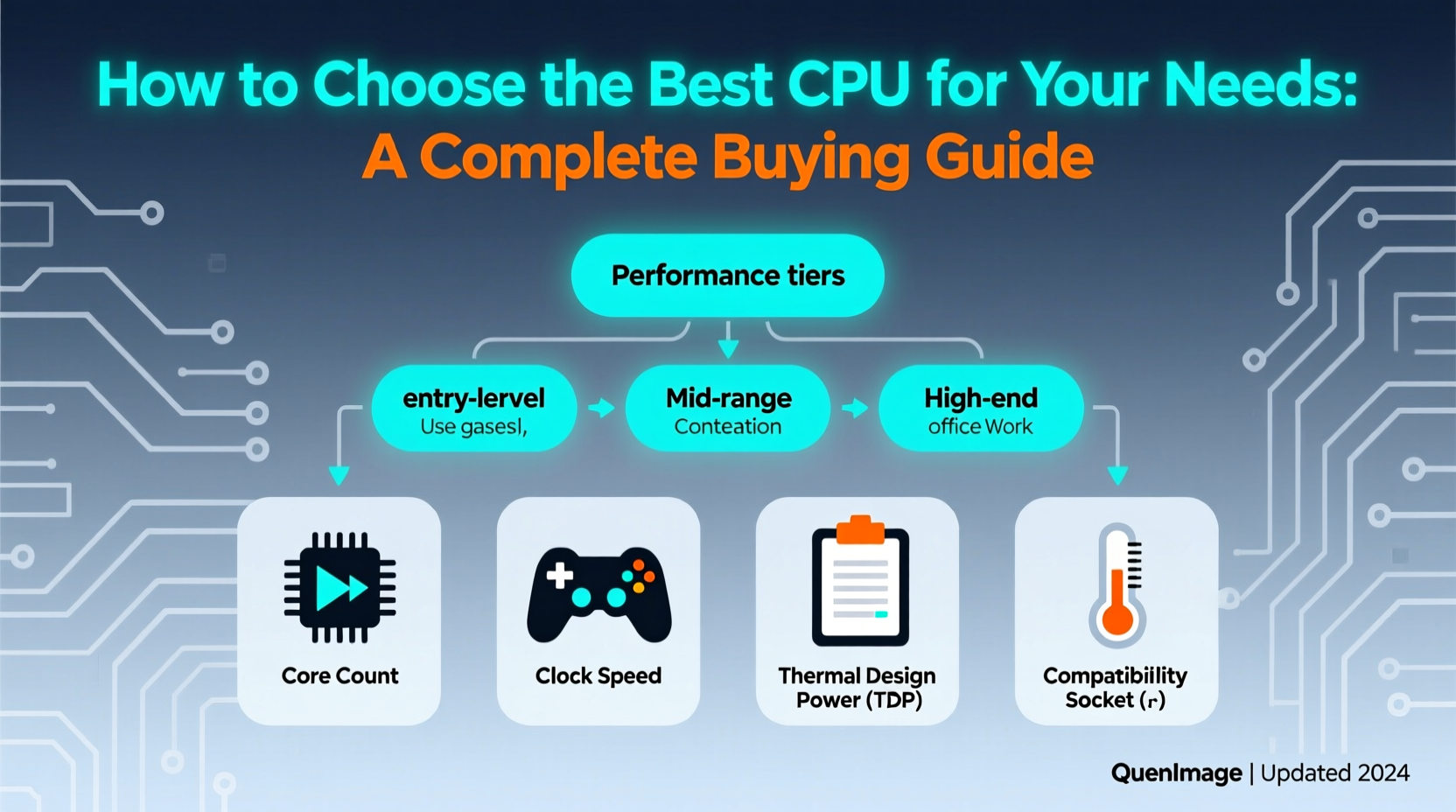
When choosing the best CPU for your needs, focus on matching performance with your intended use—whether it’s gaming, content creation, or everyday productivity. For most users seeking a balance of power and efficiency, modern 6- to 8-core processors from Intel Core i5/i7 or AMD Ryzen 5/7 series offer optimal value 1. Key considerations include socket compatibility with your motherboard, thermal design power (TDP), and whether integrated graphics are necessary. If you're building a PC or upgrading, knowing how to choose CPU specifications like clock speed, cache size, and support for DDR5 or PCIe 5.0 can significantly impact long-term performance and upgradeability 2.
About CPUs
The central processing unit (CPU), often referred to as the "brain" of a computer, executes instructions from software and manages system operations. It handles everything from booting the operating system to running applications, multitasking, and coordinating input/output devices. Modern CPUs are manufactured using advanced semiconductor processes (e.g., 5nm or 7nm) and integrate billions of transistors on a single chip 3.
CPUs are used across desktops, laptops, workstations, and servers. In consumer devices, they power tasks ranging from web browsing and video streaming to high-end gaming and 4K video editing. The performance of a CPU directly affects system responsiveness, application load times, and the ability to run multiple programs simultaneously without lag.
Why CPUs Are Gaining Popularity
Demand for powerful CPUs has surged due to rising computational demands in gaming, remote work, AI applications, and content creation. Gamers require high clock speeds and low latency for smooth frame rates, while professionals in video editing, 3D rendering, and data analysis benefit from multi-core performance 4. Additionally, advancements in hybrid architectures—like Intel’s hybrid cores (performance and efficiency cores)—enable better power efficiency and responsiveness in laptops and ultrabooks.
With more people building custom PCs or upgrading existing systems, understanding what to look for in a CPU has become essential. Online tutorials, benchmark databases, and community forums have made technical knowledge more accessible, empowering users to make informed decisions when selecting a processor.
Types and Variants
Modern CPUs come in several types based on architecture, core count, and intended usage:
- Mainstream Desktop CPUs: Designed for general computing and mid-tier gaming (e.g., Intel Core i5, AMD Ryzen 5). These typically offer 6–8 cores and support standard motherboards.
- High-End Desktop (HEDT) CPUs: Targeted at enthusiasts and professionals needing extreme multitasking or rendering capabilities (e.g., AMD Threadripper, Intel Core i9). These may feature 12+ cores but require specialized platforms and cooling.
- Mobile/Laptop CPUs: Optimized for power efficiency and thermal management (e.g., Intel Core i7-H series, AMD Ryzen 7 U-series). They often have lower TDPs and integrated graphics.
- Embedded & Low-Power CPUs: Used in mini PCs, NAS devices, or industrial systems where energy efficiency is prioritized over raw performance.
Advantages of mainstream CPUs: Cost-effective, widely supported, easy to upgrade.
Disadvantages: Limited scalability compared to HEDT chips.
Advantages of HEDT: Exceptional multi-threaded performance.
Disadvantages: Expensive, generate more heat, require robust cooling solutions.
Key Features and Specifications to Evaluate
To determine how to choose CPU components wisely, evaluate these critical specs:
- Core Count and Threads: More cores allow better multitasking and performance in multi-threaded applications. For example, a CPU with 8 cores and 16 threads excels in video rendering 5.
- Clock Speed (GHz): Higher base and boost clocks improve single-threaded performance, crucial for gaming and responsive UIs.
- Cache Size: Larger L3 cache improves data access speed, especially beneficial in complex computations.
- Thermal Design Power (TDP): Indicates heat output and power consumption. Lower TDP means less cooling required; higher TDP often correlates with greater performance.
- Socket Compatibility: Must match your motherboard (e.g., AM5 for AMD Ryzen 7000, LGA1700 for Intel 12th–14th gen).
- Integrated Graphics: Important if not using a discrete GPU. AMD APUs and Intel CPUs with Iris Xe offer decent onboard visuals.
- Memory Support: Check maximum RAM speed (DDR4 vs DDR5) and channel support (dual vs quad-channel).
- PCIe Version: Newer CPUs support PCIe 5.0, doubling bandwidth over PCIe 4.0 for faster SSDs and GPUs.
Pros and Cons
Pros:
- Significant performance improvements over older generations.
- Support for modern technologies like fast NVMe storage and high-refresh displays.
- Energy-efficient designs reduce electricity costs and heat output.
- Longevity through backward and forward compatibility (within limits).
Cons:
- High-performance CPUs require expensive cooling and power supplies.
- Premium models (e.g., Intel i9, AMD Ryzen 9) offer diminishing returns for average users.
- Compatibility issues may arise when mixing new CPUs with older motherboards.
- Overclocking increases complexity and risk of instability.
A CPU is ideal if you need reliable, scalable computing power. However, it may be overkill for basic office tasks or media consumption unless future-proofing is a priority.
How to Choose a CPU
Follow this step-by-step guide to select the right CPU:
- Define Your Use Case: Gaming? Choose high-clock-speed CPUs. Content creation? Prioritize core count and cache.
- Check Motherboard Compatibility: Verify socket type and chipset (e.g., B650 for AMD, Z790 for Intel). Visit manufacturer websites to confirm CPU support lists.
- Set a Budget: Mid-range CPUs often deliver the best price-to-performance ratio.
- Evaluate Cooling Needs: Stock coolers suffice for non-overclocked builds; high-TDP CPUs need aftermarket air or liquid cooling.
- Consider Future Upgrades: Opt for platforms with upcoming CPU support (e.g., AM5 expected until 2025+).
- Avoid Bottlenecks: Pair your CPU with a capable GPU and sufficient RAM to avoid performance limitations.
- Watch Out for Red Flags: Be cautious of OEM-only CPUs (not sold retail), locked multipliers (Pentium, Celeron), or outdated architectures lacking driver support.
Price & Market Insights
As of 2024, typical CPU price ranges are:
- Budget ($50–$100): Entry-level options like AMD Ryzen 3 or Intel Core i3—suitable for basic computing.
- Mid-Range ($150–$300): Sweet spot for most users; includes AMD Ryzen 5 7600 and Intel Core i5-13400F 6.
- Premium ($350–$600): High-performance chips like Ryzen 7 7800X3D or Intel i7-14700K for enthusiasts.
- HEDT/Workstation ($600+): AMD Threadripper Pro or Intel Core i9-14900KS for professional creators.
Value seekers should consider previous-generation CPUs, which often drop in price after new releases but still perform well. Always compare benchmarks per dollar using tools like PassMark or UserBenchmark to assess real-world value.
Top-Seller & Competitive Analysis
Below is a comparison of top-selling CPUs in 2024:
| CPU Model | Cores / Threads | Base Clock | TDP | Price (USD) |
|---|---|---|---|---|
| AMD Ryzen 5 7600 | 6 / 12 | 3.8 GHz | 65W | $200 |
| Intel Core i5-14600K | 14 / 20 | 3.7 GHz | 125W | $310 |
| AMD Ryzen 7 7800X3D | 8 / 16 | 4.2 GHz | 120W | $450 |
| Intel Core i7-14700K | 20 / 28 | 3.4 GHz | 125W | $400 |
AMD leads in gaming efficiency with its 3D V-Cache technology, while Intel offers strong hybrid core performance in productivity workloads. The Ryzen 5 7600 stands out for offering excellent value and low power consumption, whereas the i5-14600K provides more threads for multitaskers.
Customer Feedback Synthesis
Based on aggregated reviews from retailers and tech communities:
Common Praises:
- "The Ryzen 5 7600 runs cool and delivers great 1080p gaming performance." 7
- "Intel’s 14th-gen chips show noticeable gains in Adobe Premiere exports." 8
- "Easy installation and solid overclocking headroom on Z790 boards."
Common Complaints:
- "Some BIOS versions had initial boot issues with early AM5 motherboards." 9
- "Higher power draw than advertised under sustained loads."
- "Retail box cooler included is loud and inadequate for heavy workloads."
Sourcing & Supplier Tips
Buy CPUs from authorized retailers like Newegg, Amazon, Best Buy, or direct from AMD/Intel partners to ensure authenticity and warranty coverage. Avoid third-party sellers with unclear return policies. When purchasing in bulk (e.g., for system builds), verify batch dates and packaging integrity. Look for sealed anti-static bags and holographic labels.
For international buyers, check voltage compatibility and regional warranty terms. Some manufacturers offer different support durations by country. Always inspect the CPU upon arrival for bent pins (Intel) or damaged pads (AMD).
Maintenance, Safety & Legal Considerations
To maintain CPU longevity:
- Ensure proper airflow and clean dust from heatsinks regularly.
- Use quality thermal paste and reapply every 2–3 years if needed.
- Avoid excessive overclocking without adequate cooling.
Safety tips include powering down before handling components and grounding yourself to prevent electrostatic discharge (ESD). Legally, CPUs are subject to export controls in some regions, particularly high-core-count models. Also, ensure compliance with local e-waste disposal laws when replacing old processors.
Conclusion
Selecting the right CPU requires balancing performance, compatibility, and budget. For most users, a mid-range 6- to 8-core processor offers the best blend of speed and efficiency. Gamers should prioritize clock speeds and low latency, while creators benefit from higher core counts and cache. Always verify motherboard compatibility and consider platform longevity. By evaluating key specs like TDP, memory support, and PCIe version, you can build or upgrade a system that meets current needs and supports future growth. Whether asking how to choose CPU setups or comparing value across brands, informed decisions lead to better computing experiences.
FAQs
- What is a good CPU for gaming? A CPU like the AMD Ryzen 5 7600 or Intel Core i5-14600K provides excellent 1080p and 1440p gaming performance without bottlenecking modern GPUs.
- Do I need to buy a separate cooler? Many mid-range CPUs come with stock coolers suitable for standard use, but high-TDP or overclocked builds require aftermarket cooling.
- Can I upgrade my laptop CPU? Most laptops have soldered CPUs, making upgrades impossible. Check your model’s service manual before attempting replacement.
- Is more cores always better? Not necessarily. Beyond 8–12 cores, performance gains diminish unless running heavily multithreaded software like Blender or DaVinci Resolve.
- How do I check CPU compatibility with my motherboard? Use tools like the CPU Support List on motherboard manufacturer websites or consult resources like PCPartPicker.com to verify socket and chipset compatibility.





 浙公网安备
33010002000092号
浙公网安备
33010002000092号 浙B2-20120091-4